
 Google Sheets Dashboards
Turn your Google Sheets into professional dashboards
Your data is already in Google Sheets. Dashbreeze helps you turn it into interactive dashboards you can confidently share with clients, teammates, or stakeholders—without rebuilding reports every week.
Synced from Google Sheets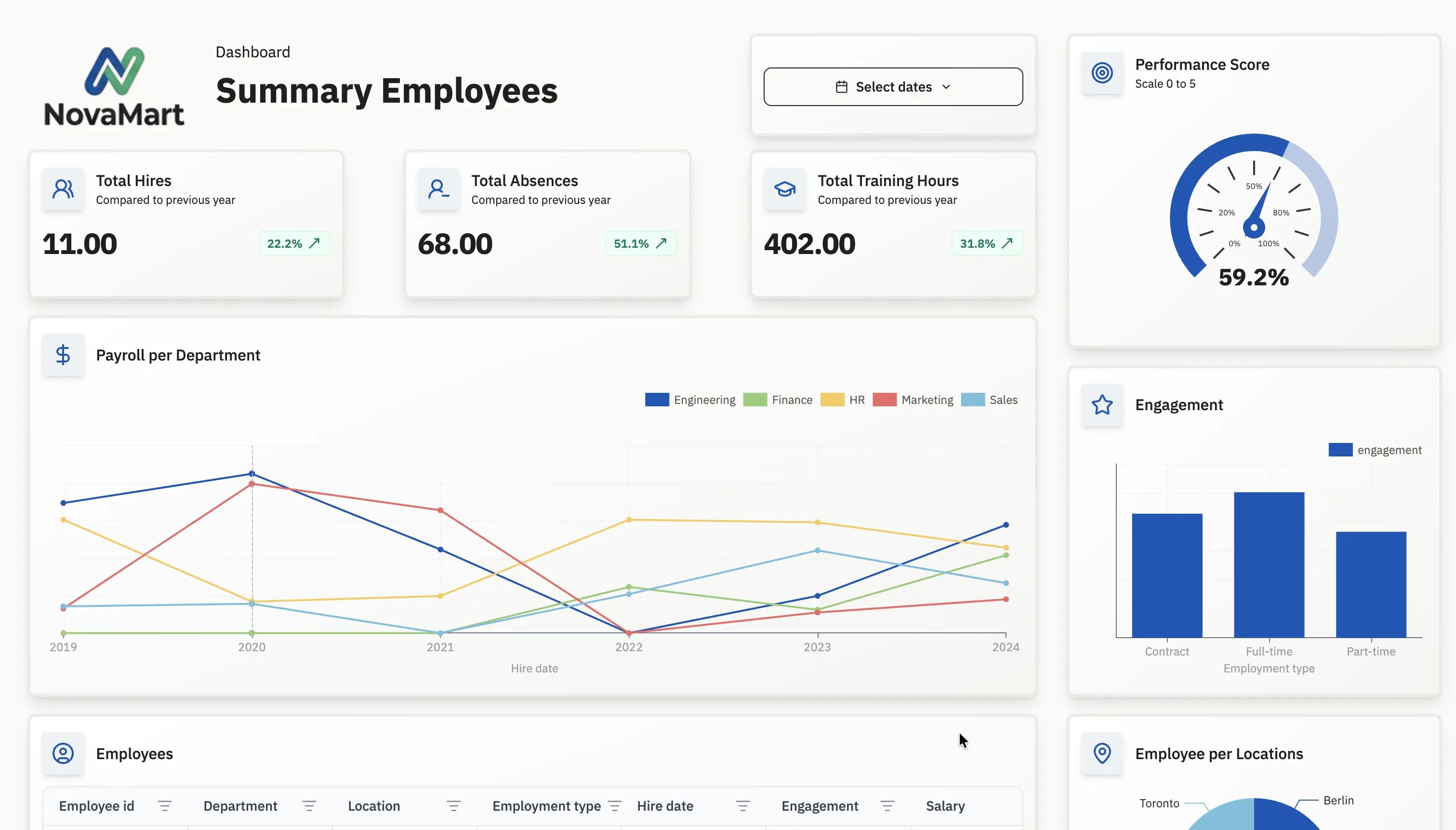
How it works
How to create a Google Sheets dashboard
Why it works
Built for people who report from Google Sheets
Build dashboards from the spreadsheets you already use
Connect one or multiple Google Sheets and reuse them as live dashboard data instead of rebuilding reports from scratch.
Keep your Google Sheets dashboard automatically updated
Schedule automatic updates so your dashboard always reflects the latest spreadsheet data without manual work.
Combine Google Sheets with your business tools
Combine Google Sheets with Google Analytics, Airtable, Notion, and other data sources to give clients one place to find everything.
design
Everything you need to deliver dashboards— not spreadsheets
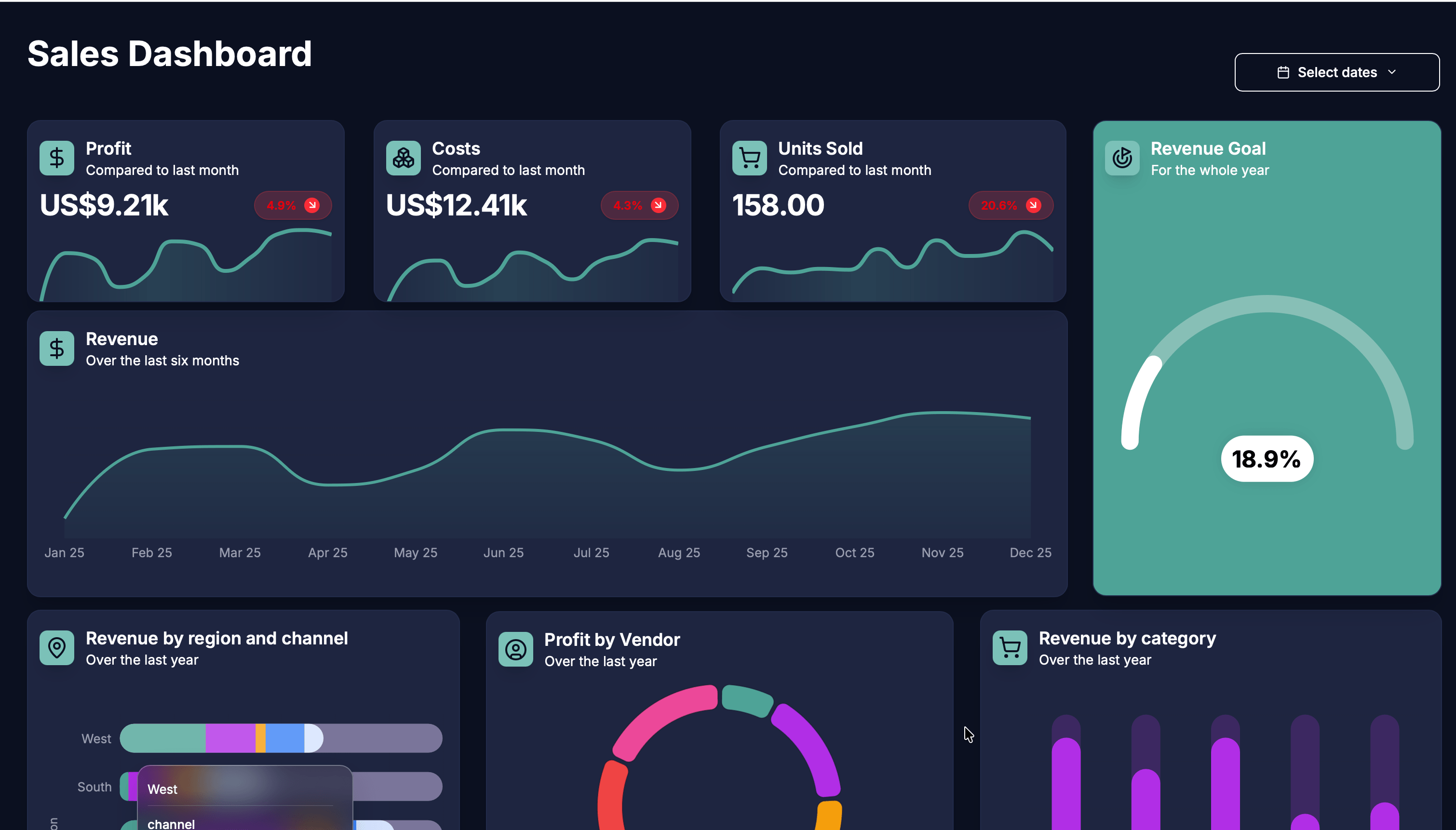
Google Sheets is great for collecting and organizing business data. Dashbreeze helps you transform it into interactive dashboards with charts, KPIs, filters, and reports you can confidently share with clients, teammates, or leadership.
Flexible blocks
Arrange charts, tables, metrics, and text exactly where your data — and your story — need them.

Custom styles for every dashboard
Chart styles built for clarity, not just decoration, so every number tells the right story at a glance.

Themes that bring it all together
Apply a theme and instantly give your dashboard a polished, consistent look.

Prepare your spreadsheet for reporting
Every spreadsheet becomes a structured data source you can reuse across charts, KPI cards, tables, and reports—without modifying your original data.
There's no need to reorganize your data. Import the Google Sheets you already maintain and turn them into reusable tables for every dashboard.




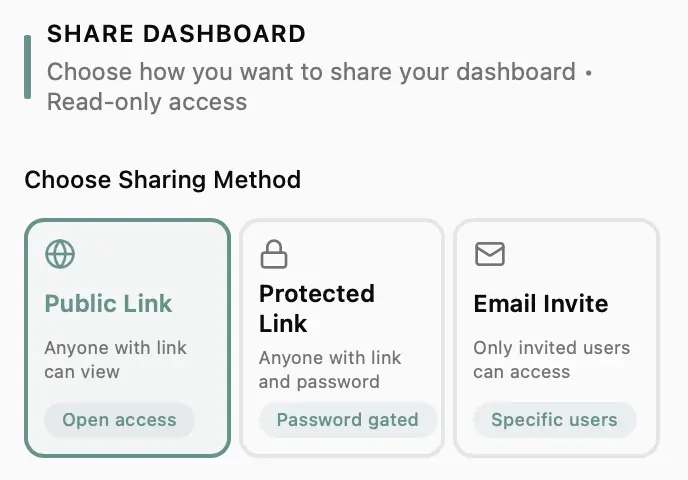

Publish your reports anywhere
Once your dashboard is ready, choose how people experience it—from public links to password-protected reports and embedded dashboards.
Share interactive dashboards with a simple link instead of sending static spreadsheets or PDFs that become outdated.
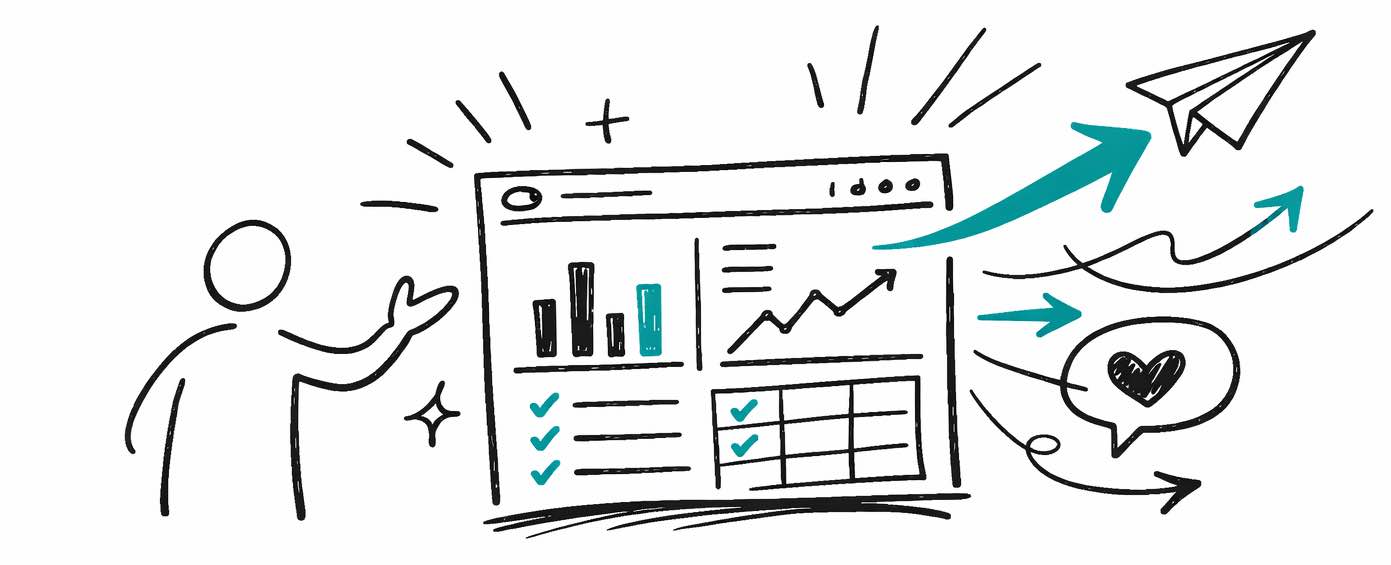
Create dashboards you'llbe proud to share
Connect your data once, build the dashboard once — and everyone who needs it gets a professional view.
Frequently asked questions
Everything you need to know about building dashboards using Google Sheets.
Still have questions?
Get in touch→