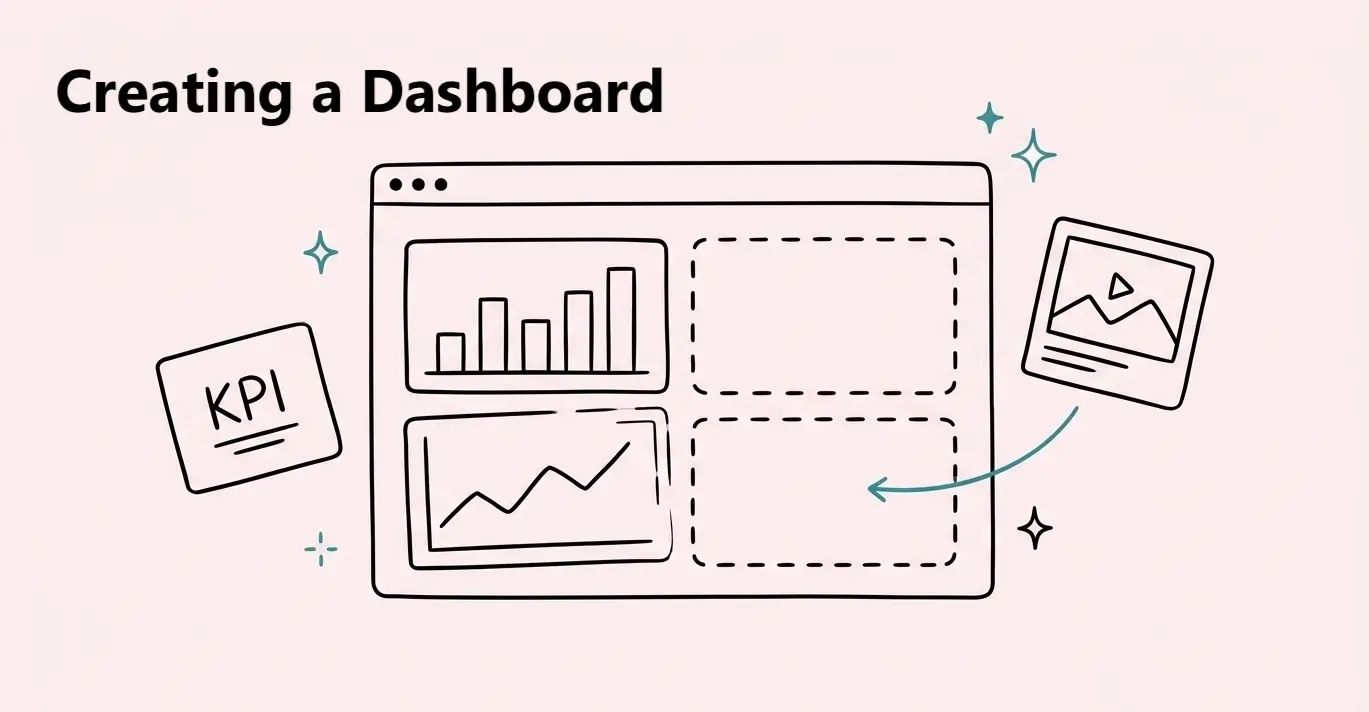
Creating a Dashboard
Create and manage a dashboard, connect blocks to data, and understand Draft, Published, and Unpublished Changes.

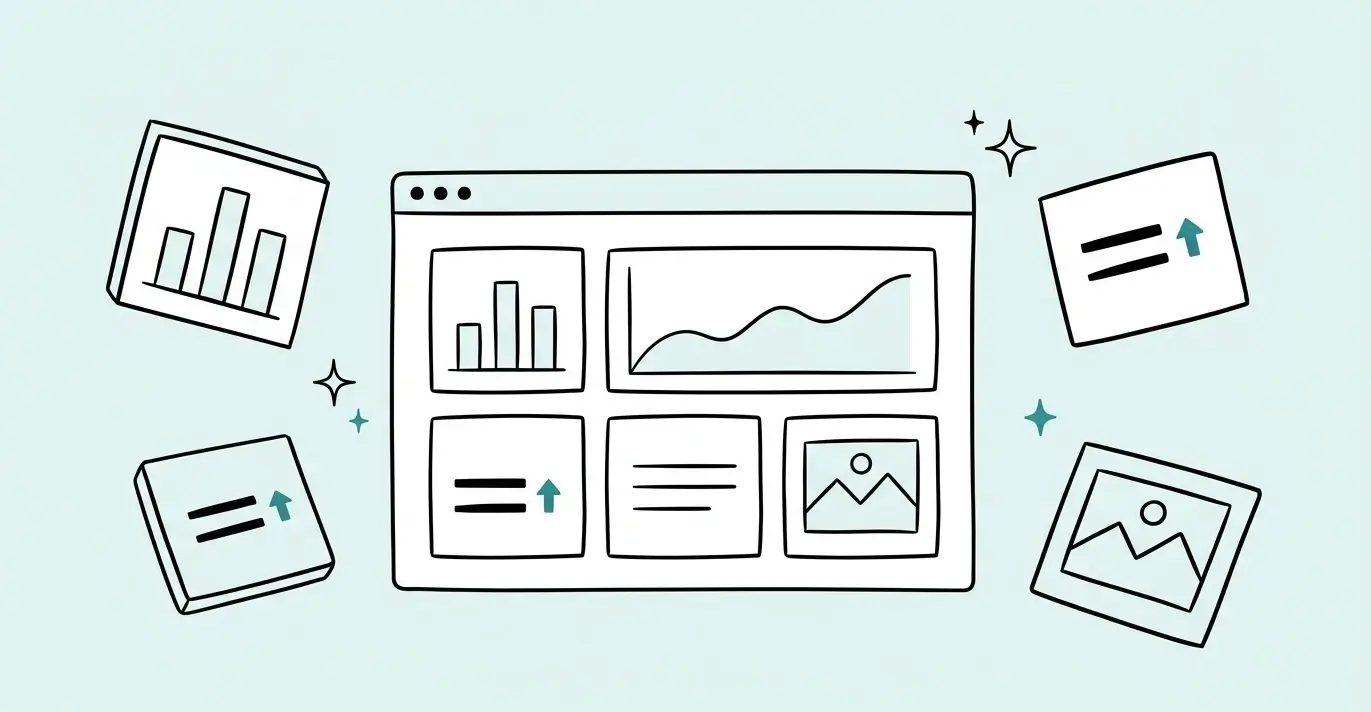
In this topic
Create and manage a dashboard, connect blocks to data, and understand Draft, Published, and Unpublished Changes.
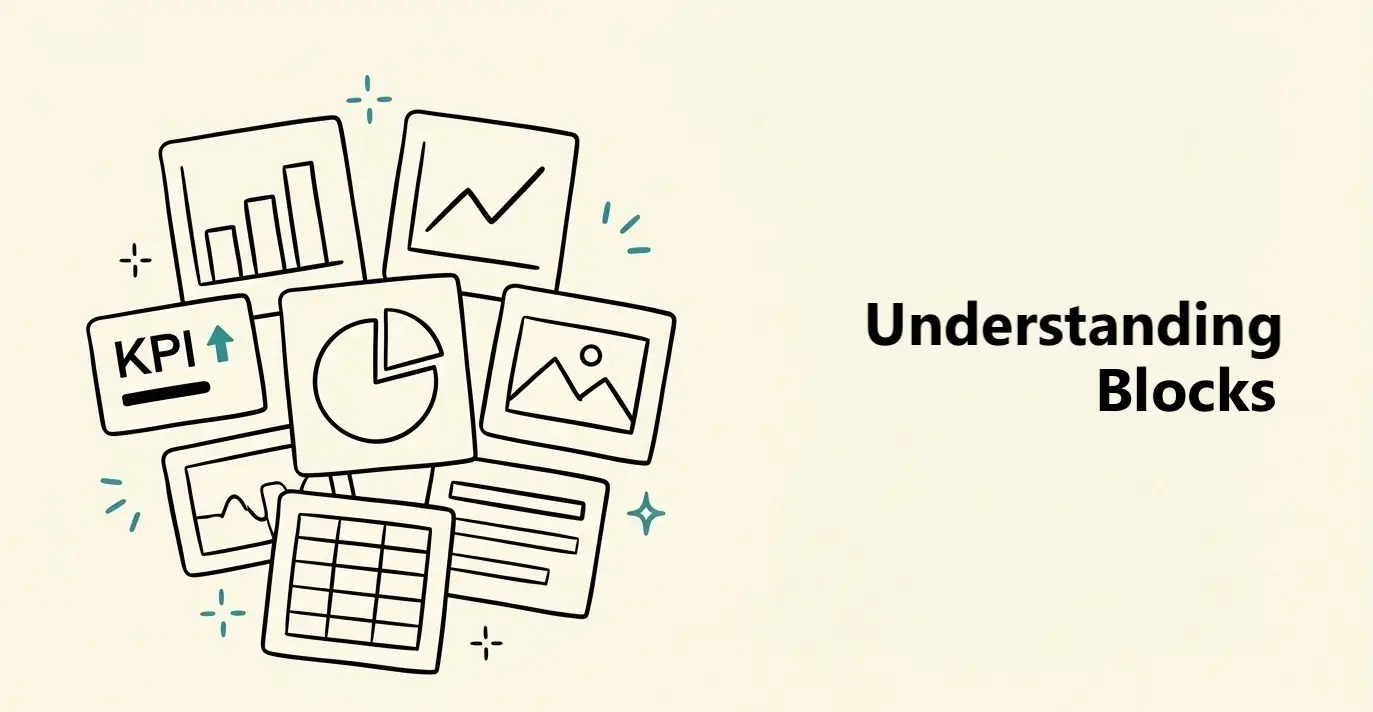
Choose the right data or content block, add it to your dashboard, and use its Data, Block, and Card settings.
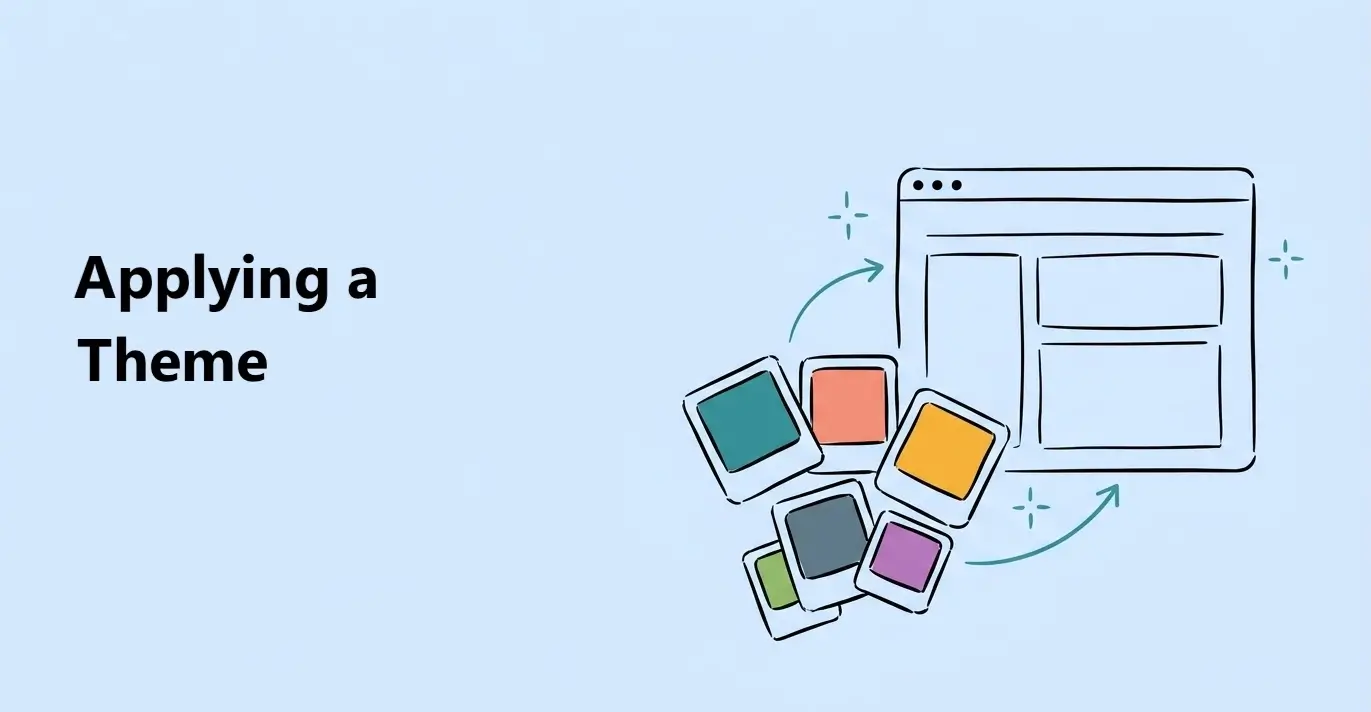
Apply a ready-made theme or customize colors, fonts, chart styles, and cards across your dashboard.
Publish your dashboard and share it using a public link, protected link, email invite, or embed code.
Review saved dashboard versions, restore an earlier version, and publish it again when it is ready.
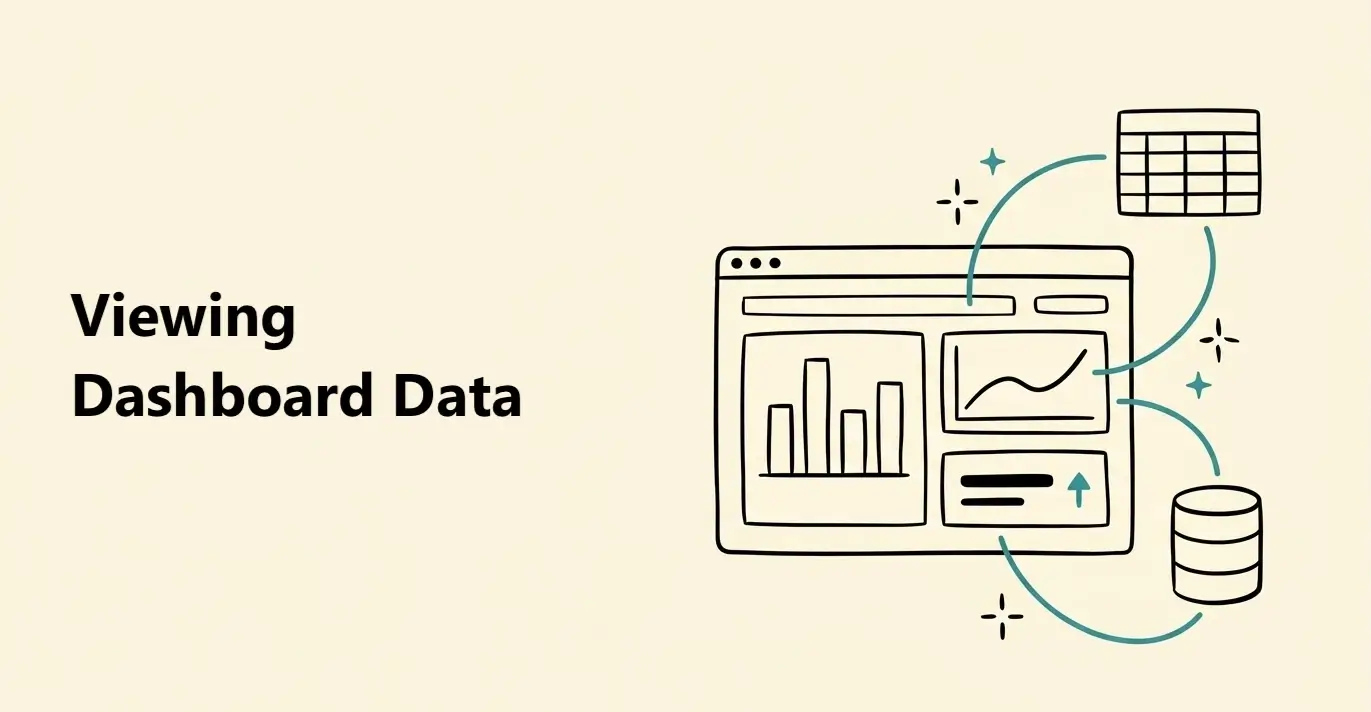
Use the Data panel to see connected tables, inspect their columns, check which blocks use them, and open the source data.