What is a Table?
Learn what a table contains, where its data comes from, and how dashboard blocks use it.


In this topic
Learn what a table contains, where its data comes from, and how dashboard blocks use it.
Learn the difference between a connection and the data imported through it.
Create a table from an uploaded file, a connected app, or a database.
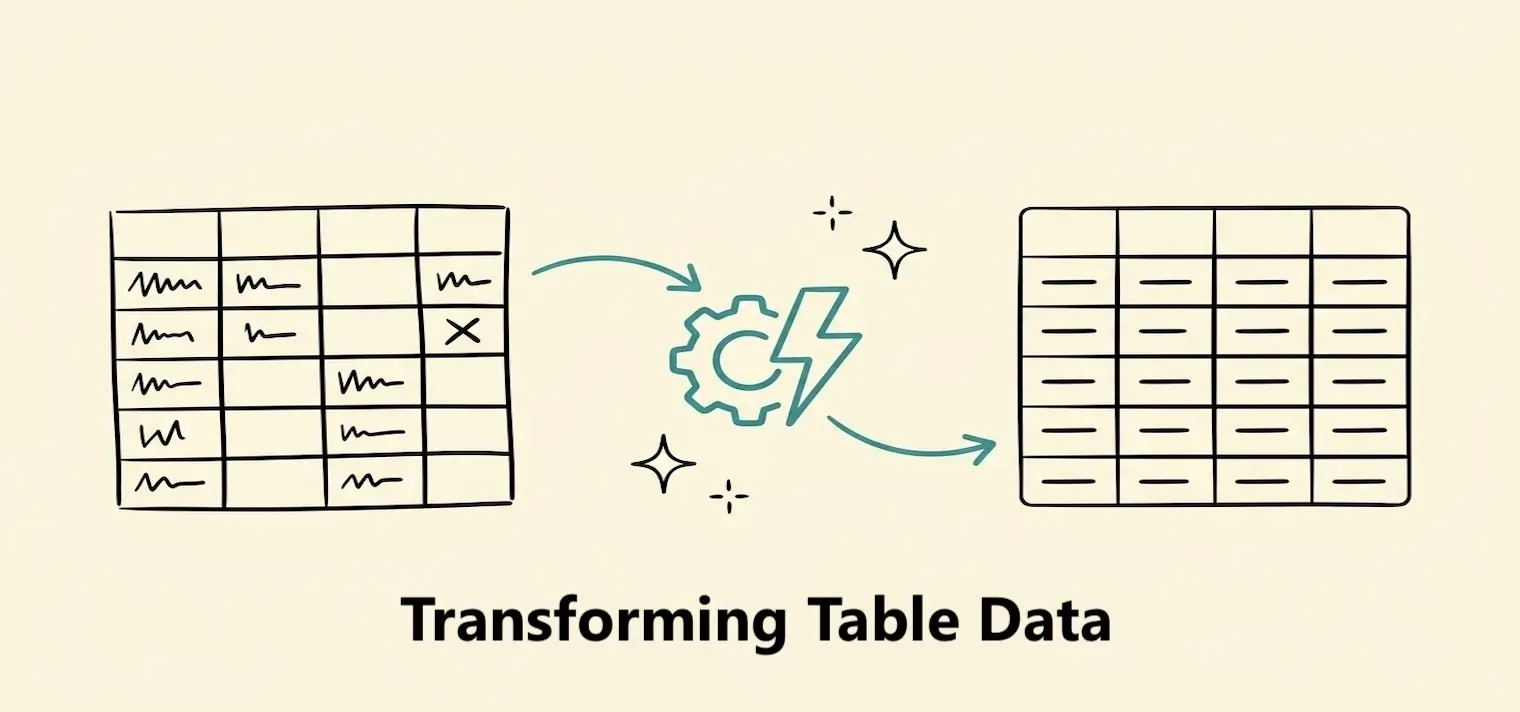
Clean and reshape data with column changes, filters, sorting, formulas, and joins.
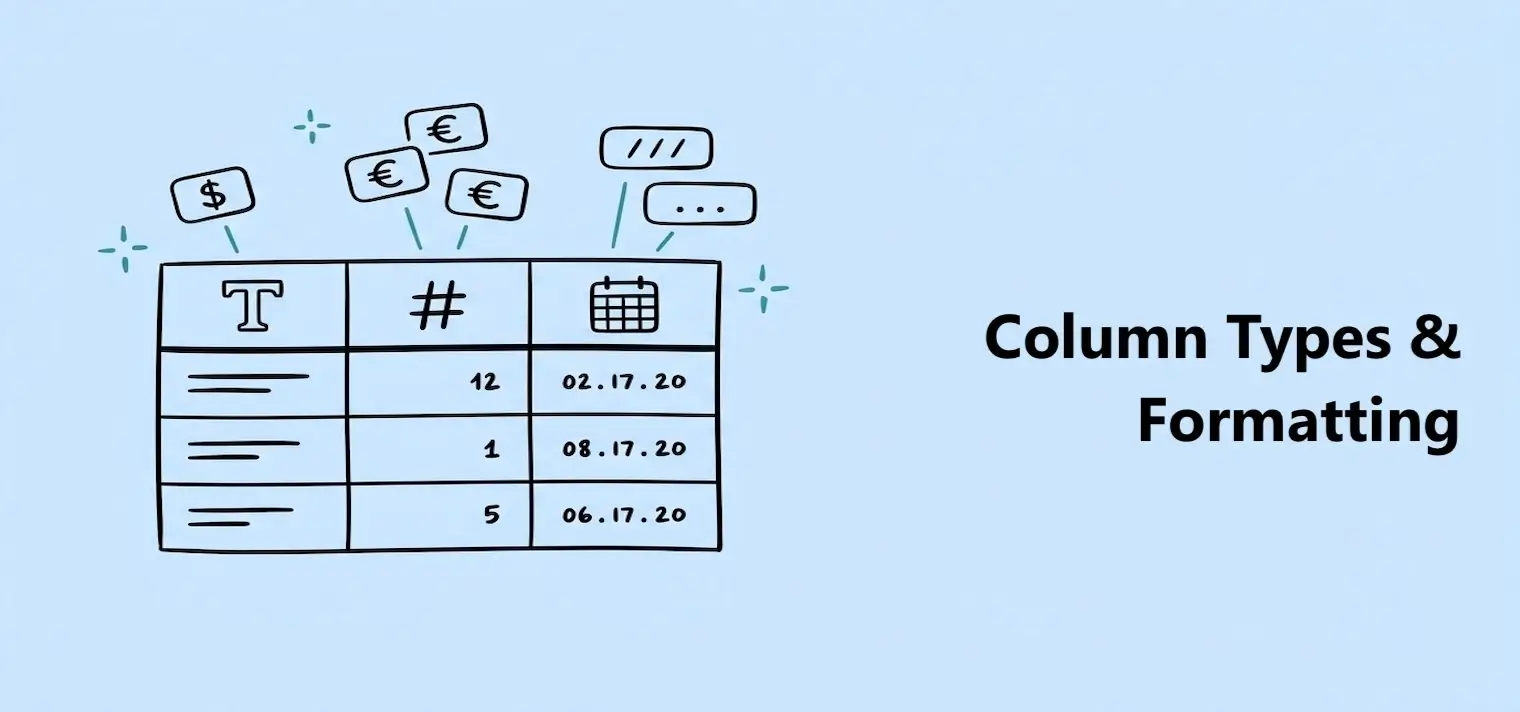
Set each column's type and choose how dates, numbers, and currency are displayed.
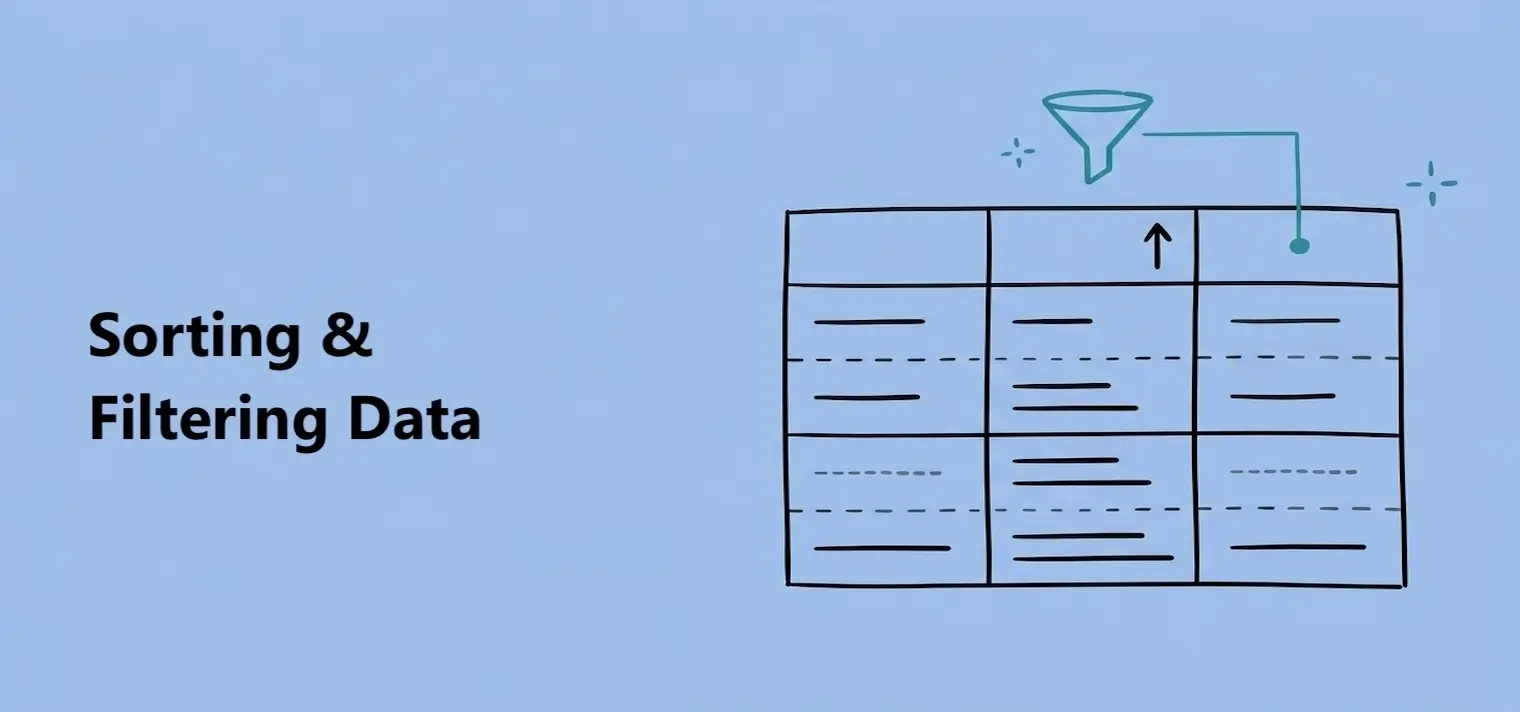
Put rows in a useful order and show only the data that matches your conditions.
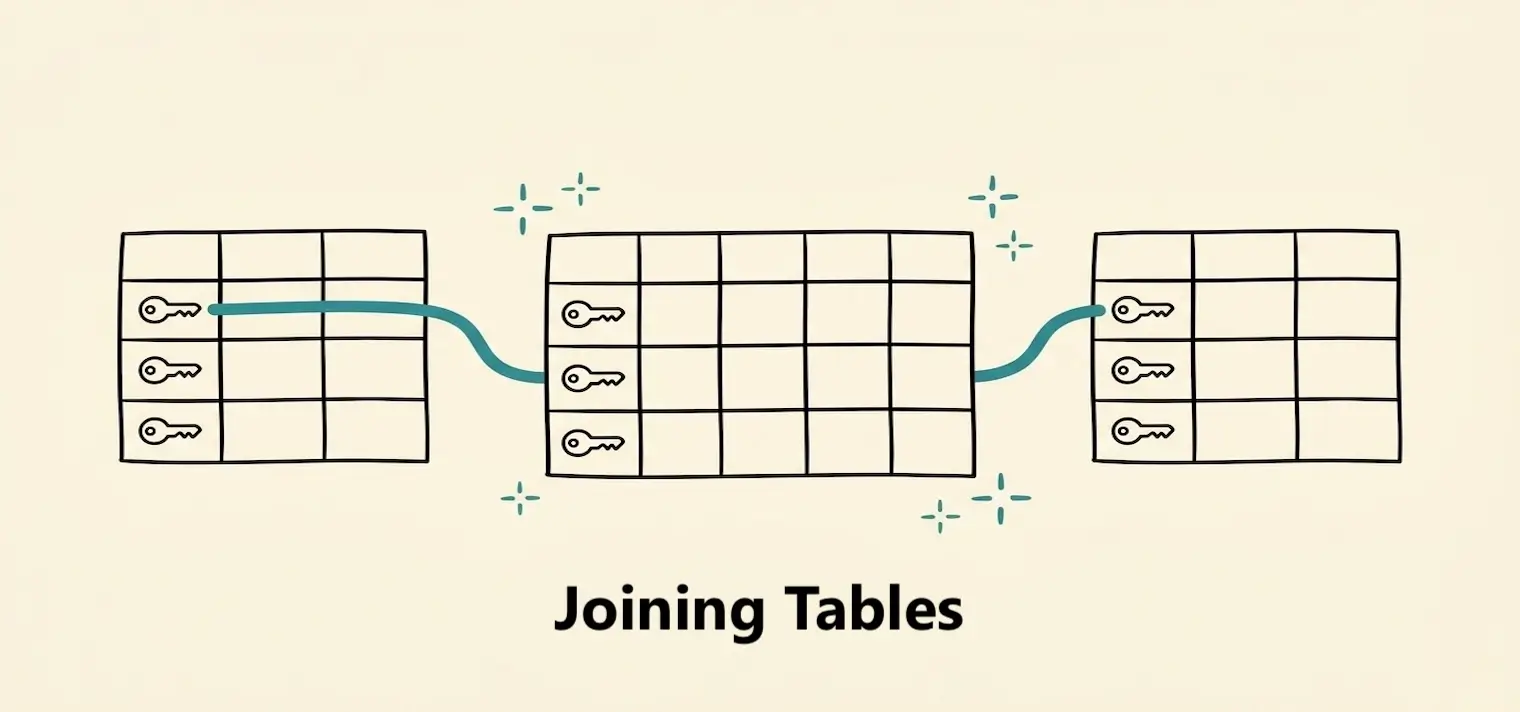
Add columns from another table by matching related rows.
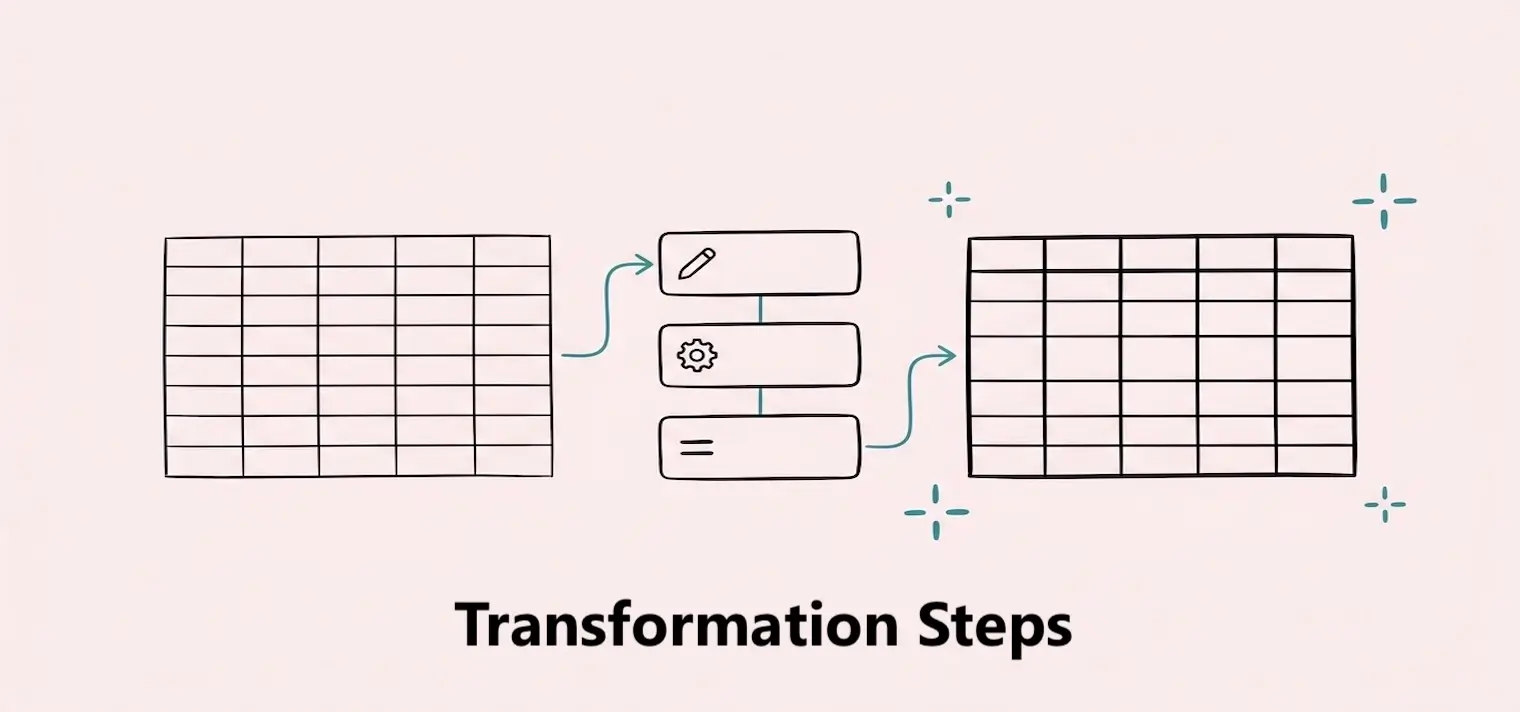
Review transformation steps in order and remove steps you no longer need.
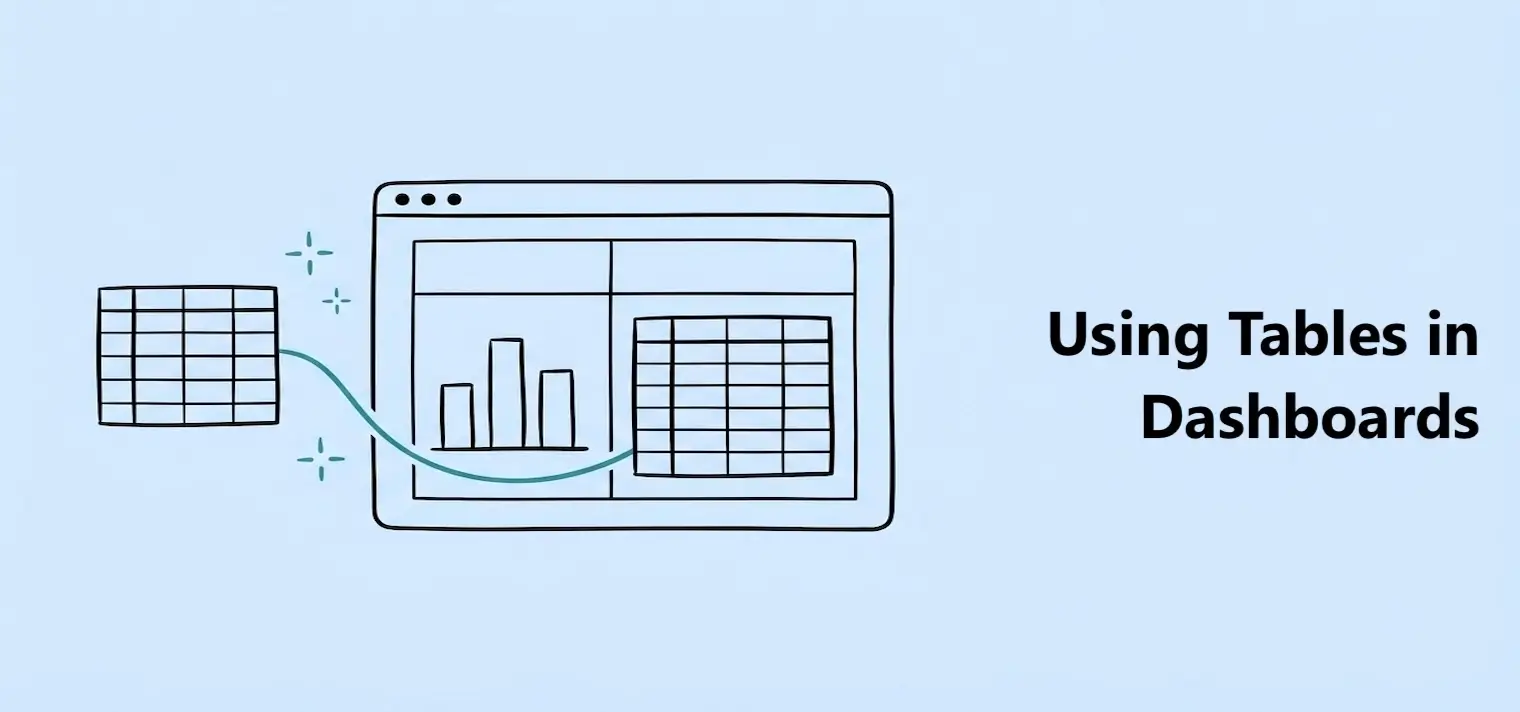
Connect a table to charts, KPIs, gauges, and table blocks.
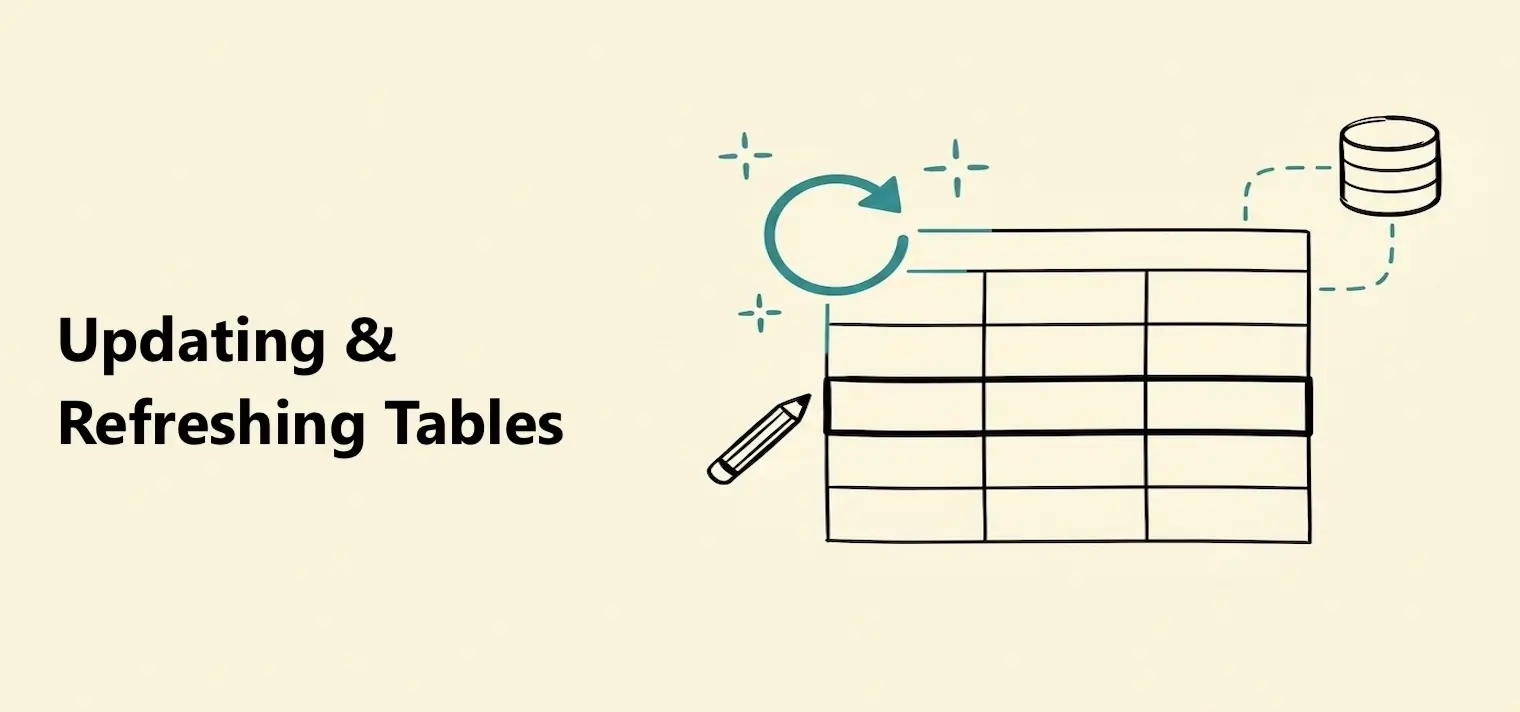
Refresh a table manually or turn on automatic updates to keep its data current.
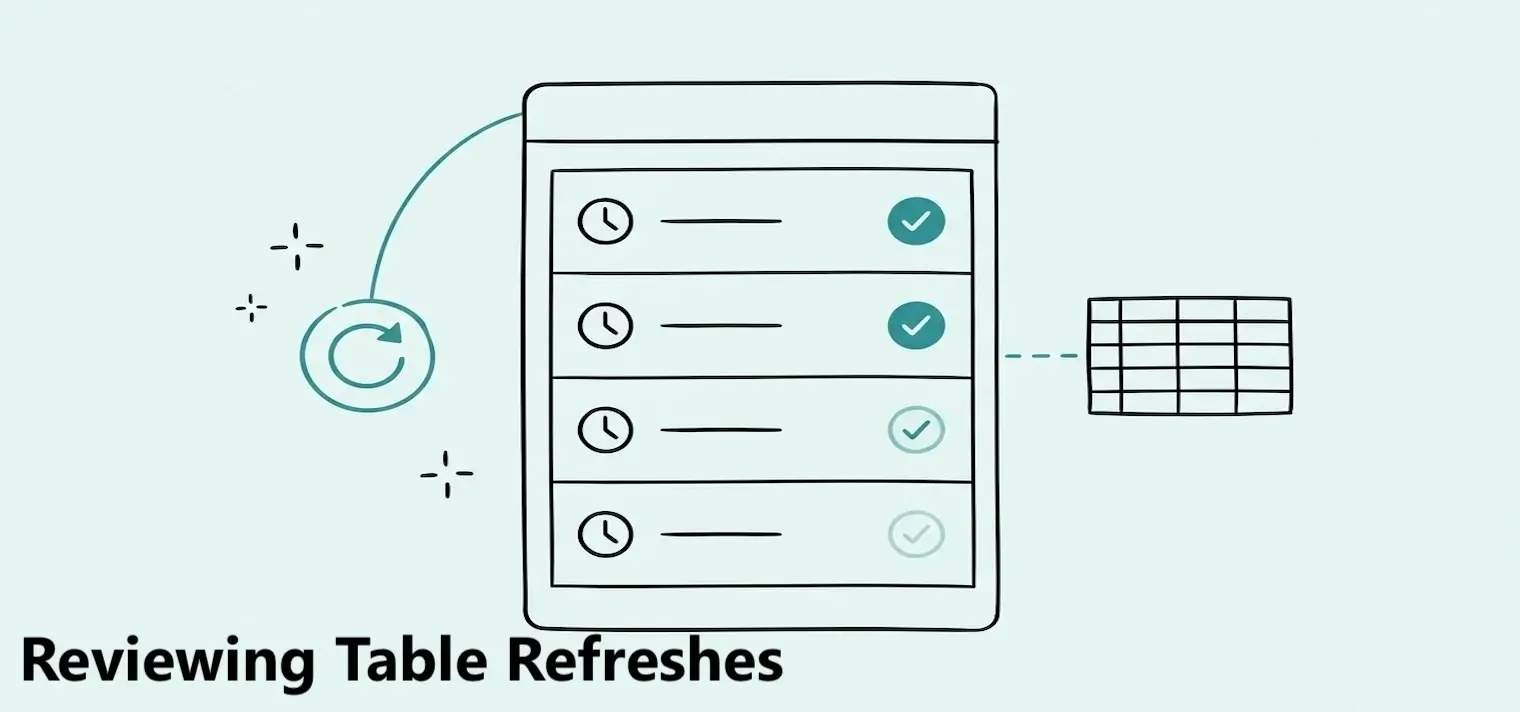
Review past data updates, their status, and any errors that occurred.
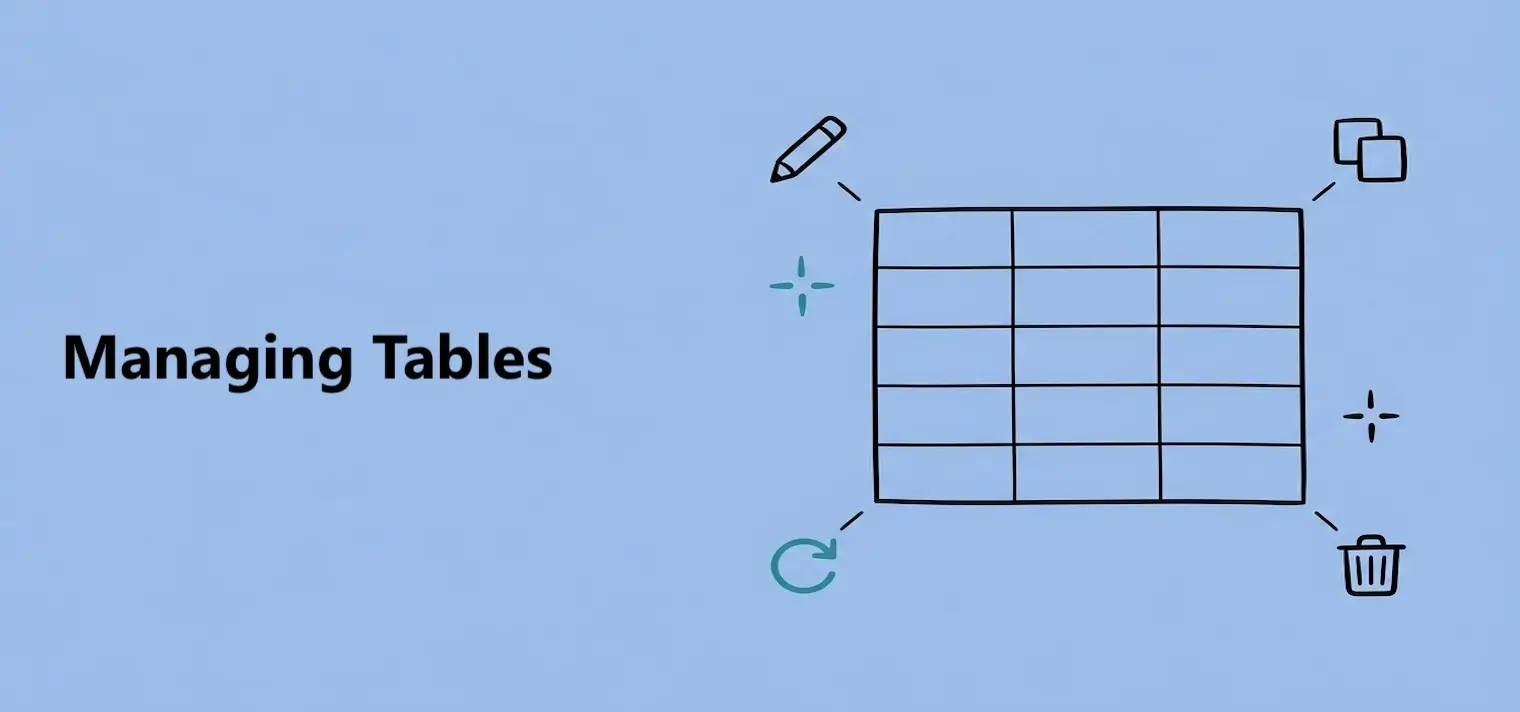
Open, rename, or delete tables and understand how each action affects dashboards.