
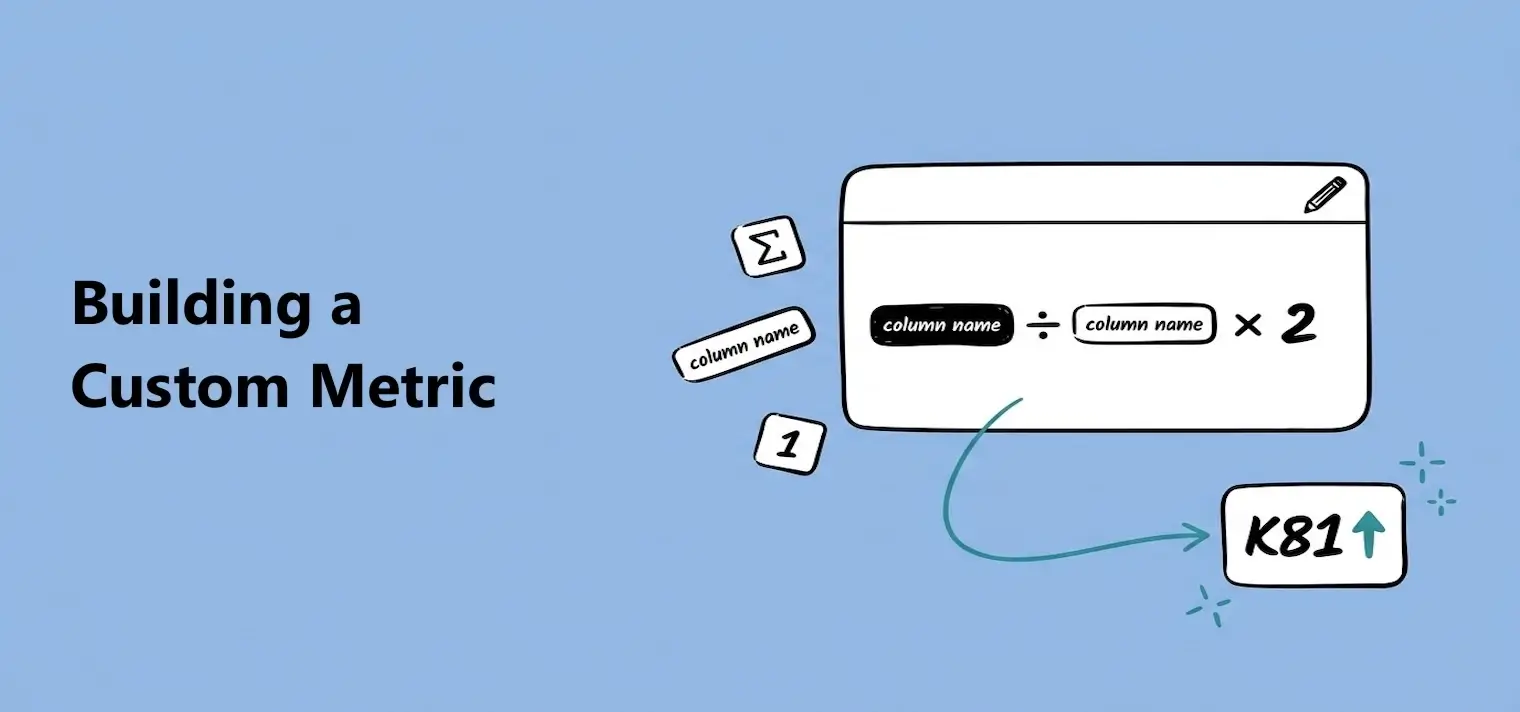
Building a Custom Metric
Create and edit reusable metrics by combining table columns, saved metrics, fixed numbers, and math operators.

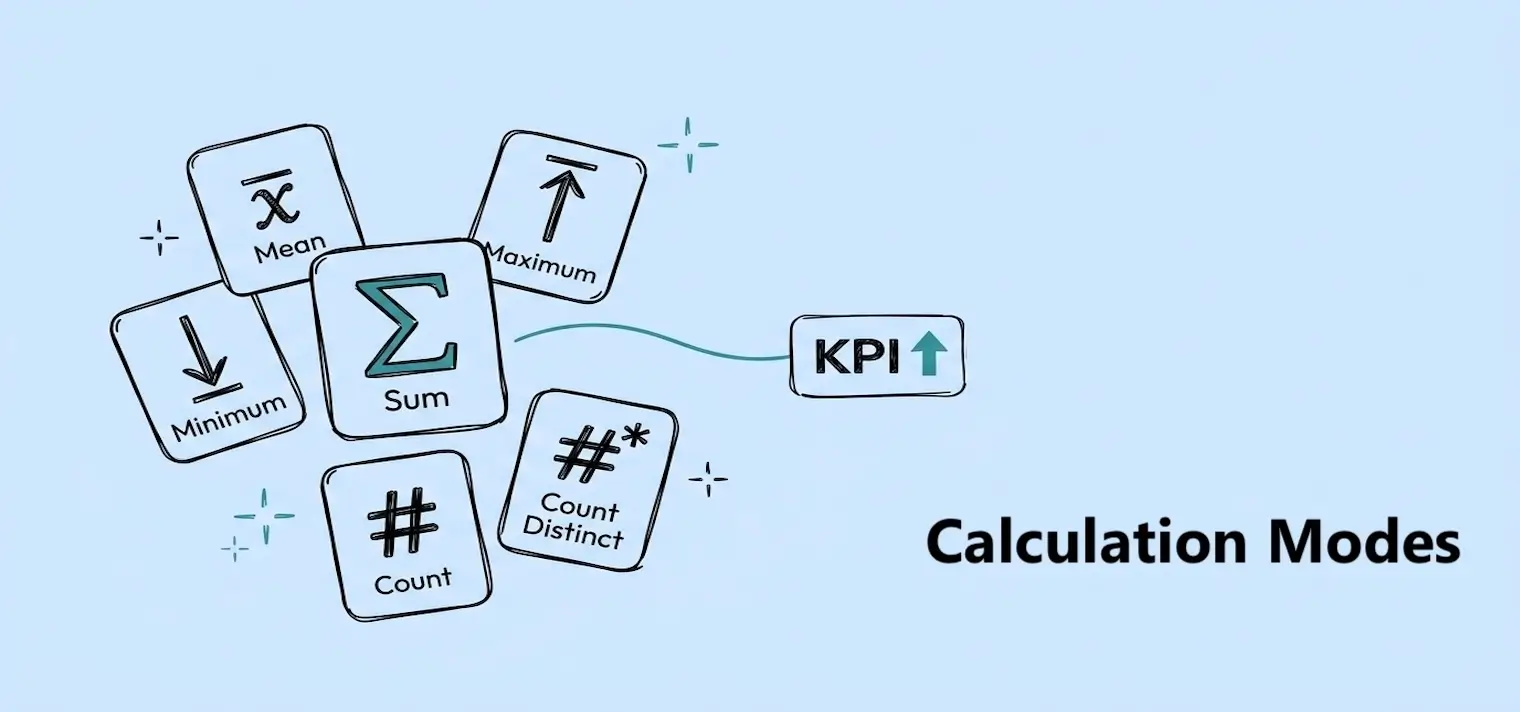
A calculation mode turns the many values in a column into one number. Which mode you pick depends on the question you're asking: a total, an average, the smallest or largest value, a count, or a count of unique values?
Imagine an Orders table with these values:
Revenue: 50, 75, 75, 100
Customer ID: C01, C02, C01, C03
Sum
300Adds 50 + 75 + 75 + 100. Use it for a total — total revenue, units sold.
Mean
75Adds the four Revenue values and divides by four. Use it for an average — average order value.
Minimum
50Returns the smallest Revenue value. Use it to find the lowest price, shortest time, or smallest result.
Maximum
100Returns the largest Revenue value. Use it to find the highest sale, longest time, or largest result.
Count
4Counts the rows with a value in this column. Use it to see how many orders or records you have.
Count Distinct
3Counts C01, C02, and C03 once each. Use it when repeated values, like C01, should only count once.
Available modes depend on the column type:Number columns support all six modes — you can add, average, compare, or count their values. Text and date columns only support Count and Count Distinct, since you can count them but not add or average them.
A missing value is a cell with nothing in it — an order with no Customer ID, say. Calculation modes skip these cells instead of treating them as zero or as another customer.
Example Customer ID column
C01, C02, C01, missing
Count → 3
Counts the three cells that have a Customer ID. The missing cell doesn't count.
Count Distinct → 2
Counts C01 and C02 once each. The repeated C01 and the missing cell don't count.
Example Revenue column
50, missing, 100
Mean → 75. Dashbreeze adds 50 and 100, then divides by the two cells that actually have a number — the missing cell sits out.
Why a blank-looking cell may still be counted:Some sources store a cell as empty text instead of leaving it truly missing. Empty text can look blank in a table, but it's still a stored value — so Count and Count Distinct include it. Seeing a higher count than expected? Check how your source stores blank cells.
Change a column's calculation mode any time you're editing a metric — switch Sum to Mean, say, once you realize you want the typical order value instead of the total. The value updates immediately.