Managing Workspaces
Create, rename, and customize your workspaces.

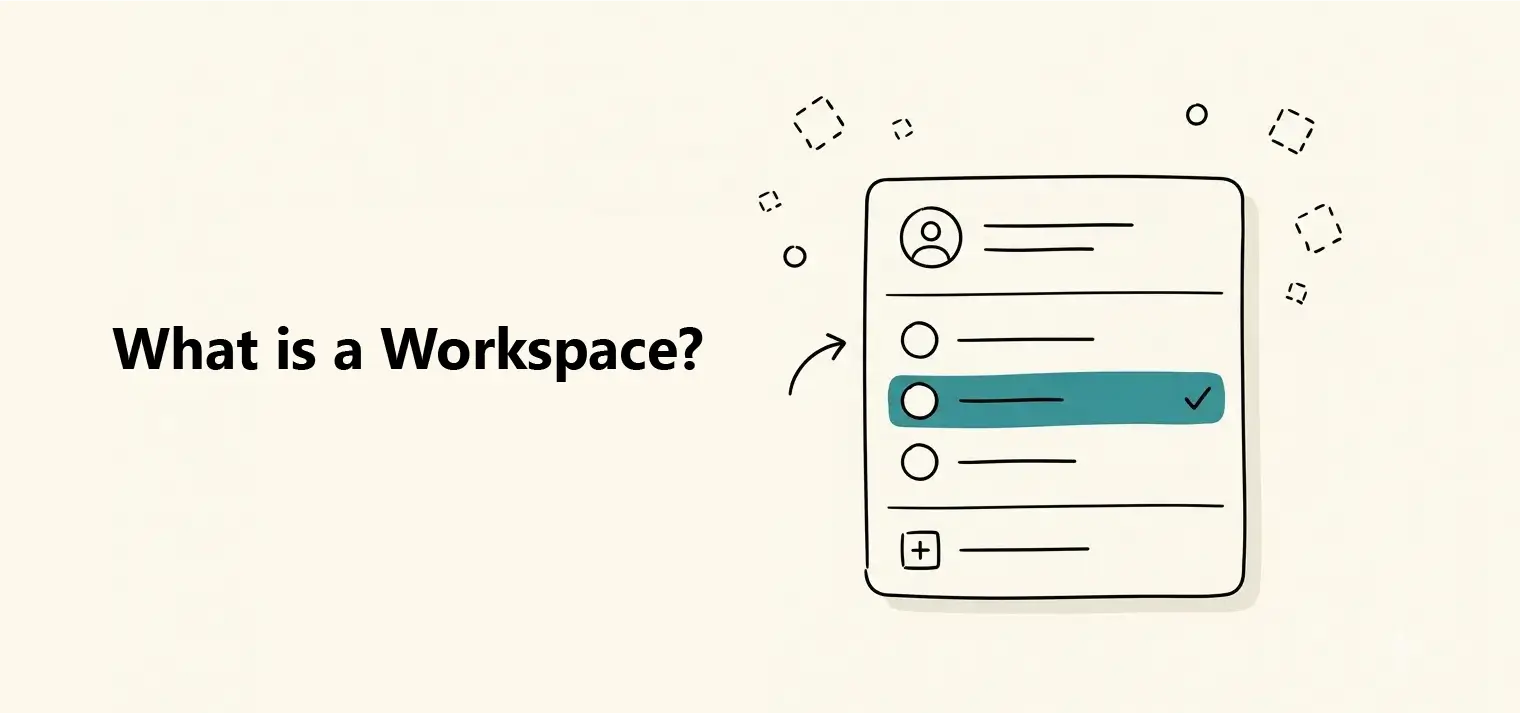
A workspace is the shared space where a team's dashboards, tables, and data source connections live together. Everything you build in Dashbreeze — from a connected spreadsheet to a published dashboard — belongs to a workspace, not to any one person.
Most people only ever need one workspace, usually shared with their team. But you can belong to several at once — for example, your own company's workspace and a client's workspace you were invited to.
Dashboards
The reports and views you build and share.
Tables
The data behind those dashboards, imported from files, apps, or databases.
Data sources
The connections used to import that data.
Members
The people who have access, each with a role that controls what they can do.
A subscription
The plan that determines the workspace's limits and features.
Because all of this is scoped to the workspace rather than to individual members, anyone with the right role can pick up where a teammate left off.
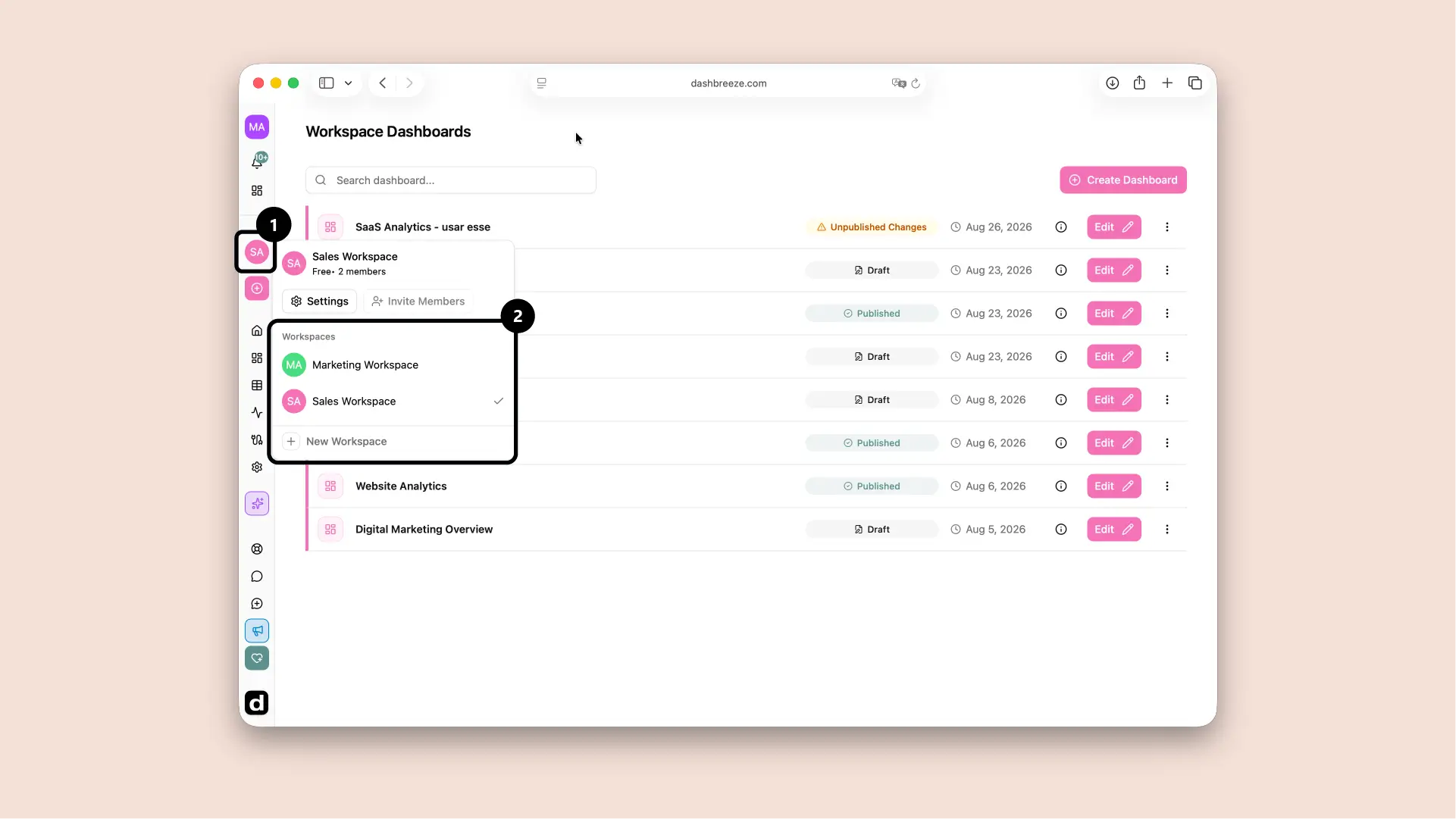
The workspace selector at the top of the left sidebar shows which workspace you're currently in and lets you switch to any other workspace you belong to, or create a new one.