Controlled access
Password-protected link
Add a password before sending your dashboard URL to clients, partners, or teammates.
Give clients and teammates a polished, interactive dashboard without giving up control. Publish a secure link, set a password, and share insights without requiring every viewer to create an account.
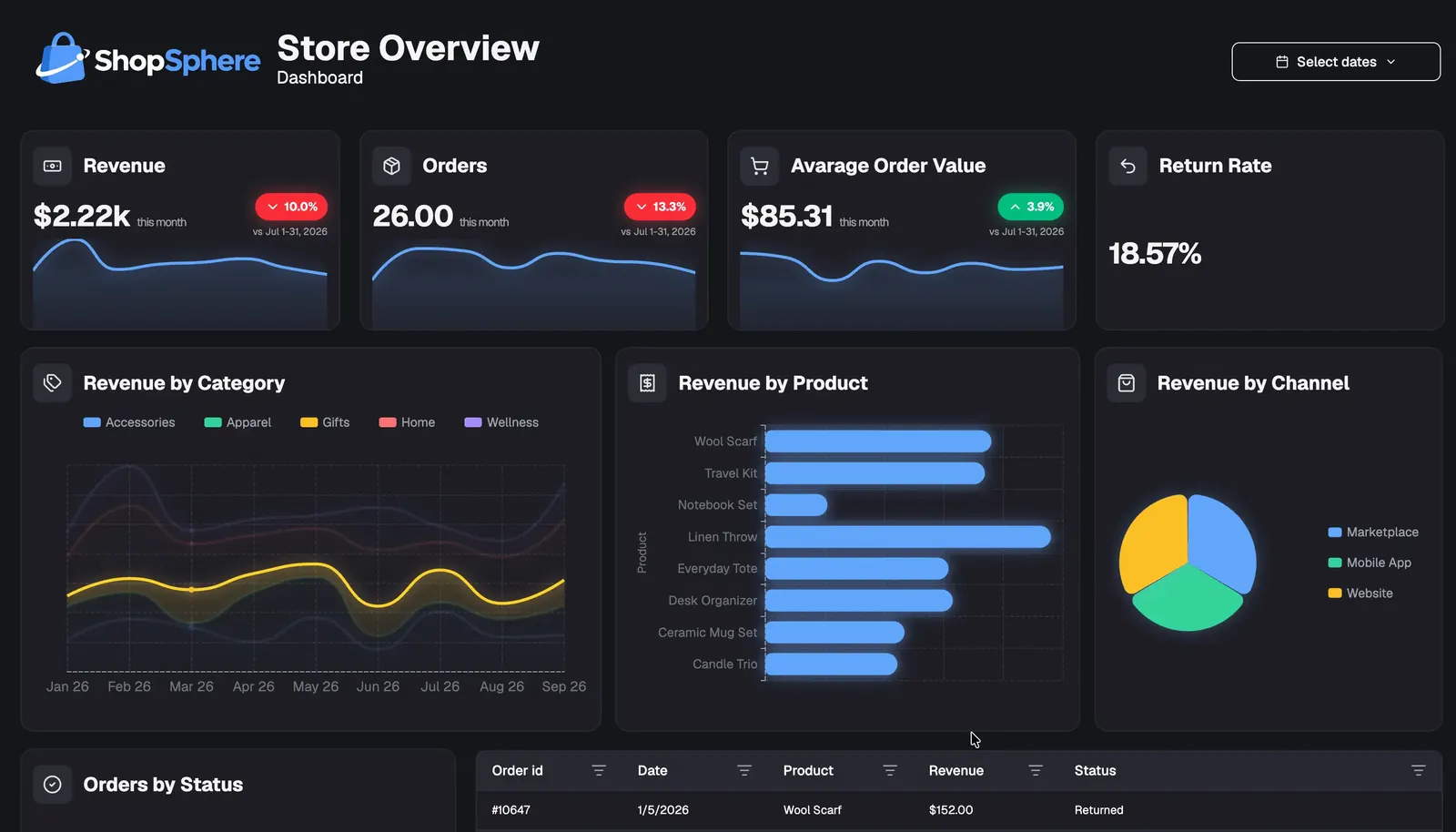
Share the report, not the workspace
Email attachments become outdated, and giving every stakeholder workspace access creates unnecessary friction. A protected dashboard link gives your audience one current place to view the metrics you chose to publish.
The password gate sits in front of the published dashboard. Viewers get the interactive report; your data setup, dashboard editor, and workspace stay out of view.
Password-protected dashboard links
Go from a finished dashboard to a protected viewer experience in minutes.
Choose the metrics, filters, layout, and theme your audience should see.
Open the sharing options and select a password-protected link.
Create the password that approved viewers will use to unlock the report.
Share the URL and password through the channels that work for your audience.
A frictionless viewer experience
Viewers open the link, enter the password, and arrive at the published dashboard. No onboarding flow, workspace navigation, or extra account to manage.
Secure dashboard link
quarterly-report.dashbreeze.com
Password verified
Opening your dashboard now
Revenue
$284k
Orders
8,429
Growth
+18.4%
The right access for every dashboard
Match the sharing method to the audience and sensitivity of each report.
Add a password before sending your dashboard URL to clients, partners, or teammates.
Share directly with the people who need the report while keeping everyone else out.
Make low-risk dashboards easy to open when broad reach matters more than restricted access.
Built for real sharing workflows
Useful controls for reports that move between teams, clients, and external partners.
Send the same published URL by email, chat, a client portal, or your existing documentation.
Update the password when a project changes hands or a previous password should no longer work.
Let viewers explore the report without exposing the builder, workspace navigation, or editing controls.
Share one living dashboard instead of repeatedly exporting and distributing static files.
Deliver a professional report without asking every recipient to complete an account setup.
Unpublish the dashboard or change its sharing settings when the report should no longer be available.
More than secure sharing
Dashbreeze brings your data, visualizations, design, and sharing workflow into one place—from the first connection to the final client-ready dashboard.
Explore the dashboard builder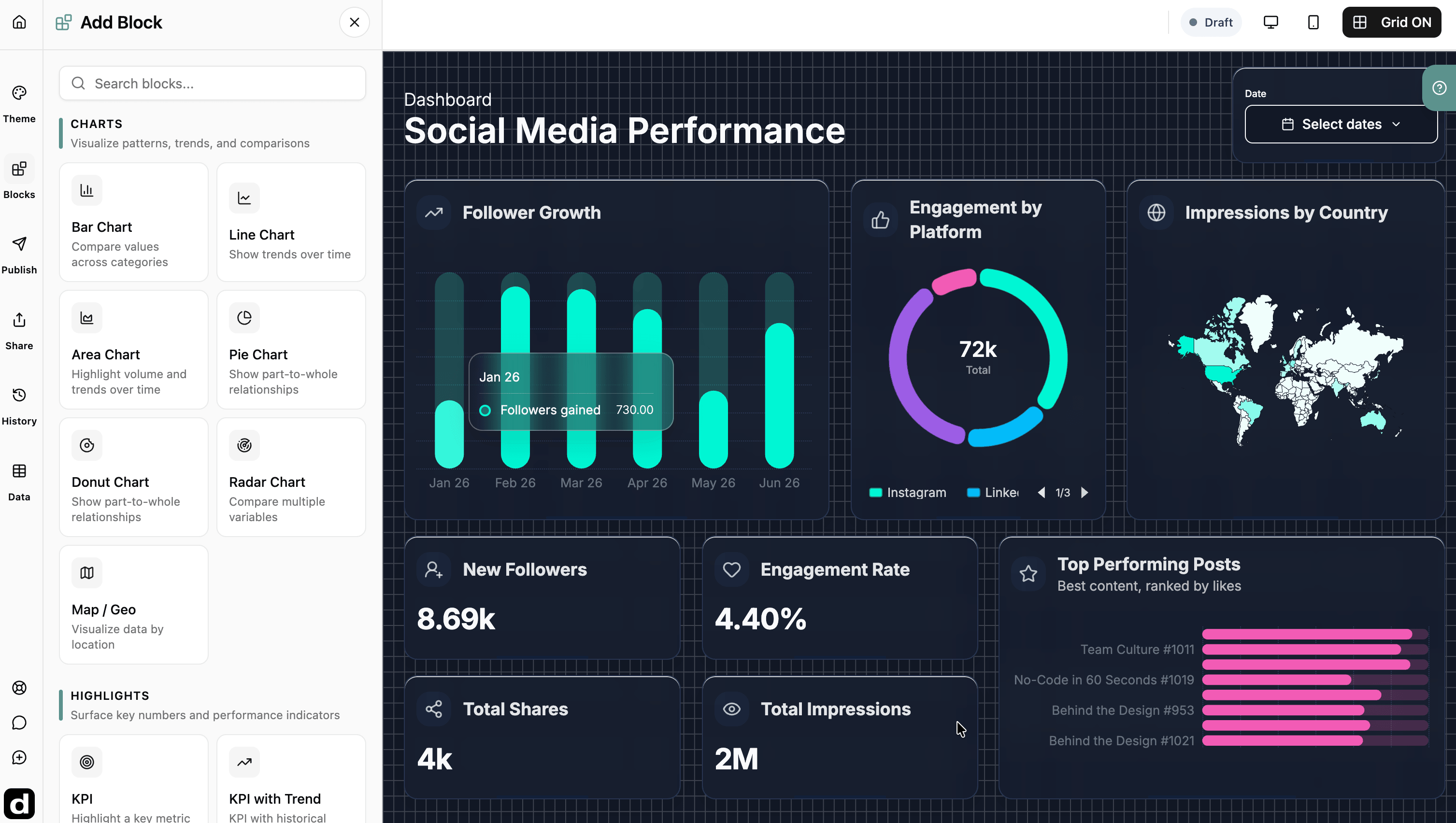
Arrange charts, KPIs, gauges, tables, text, and images on a flexible drag-and-drop canvas.
Bring in data from spreadsheets, business apps, databases, and uploaded files.
Refresh supported connections so new values flow into the dashboard you already built.
Add text, numeric, and date filters that help viewers answer their own questions.
Customize colors, typography, chart styles, card designs, and the dashboard canvas.
Create responsive dashboard experiences that remain clear across different screen sizes.
Frequently asked questions
Answers about protected links, viewer access, password changes, and shared dashboards.
Publish your dashboard in Dashbreeze, choose password-protected access, set a password, and share the generated link. Viewers must enter the password before the dashboard is displayed.
No. People opening a password-protected link can view the dashboard after entering the password, without creating a Dashbreeze account.
Yes. Update the password from the dashboard sharing settings when access needs change, then give the new password only to approved viewers.
Yes. You can unpublish the dashboard or change its sharing settings. This gives you control when a report is no longer current or should no longer be available.
Yes. Authorized viewers can use the interactive filters and explore the published dashboard while the underlying editor and workspace remain private.
A password-protected link works well when a client needs simple access without another account. For tighter user-level control, invite specific viewers directly.