
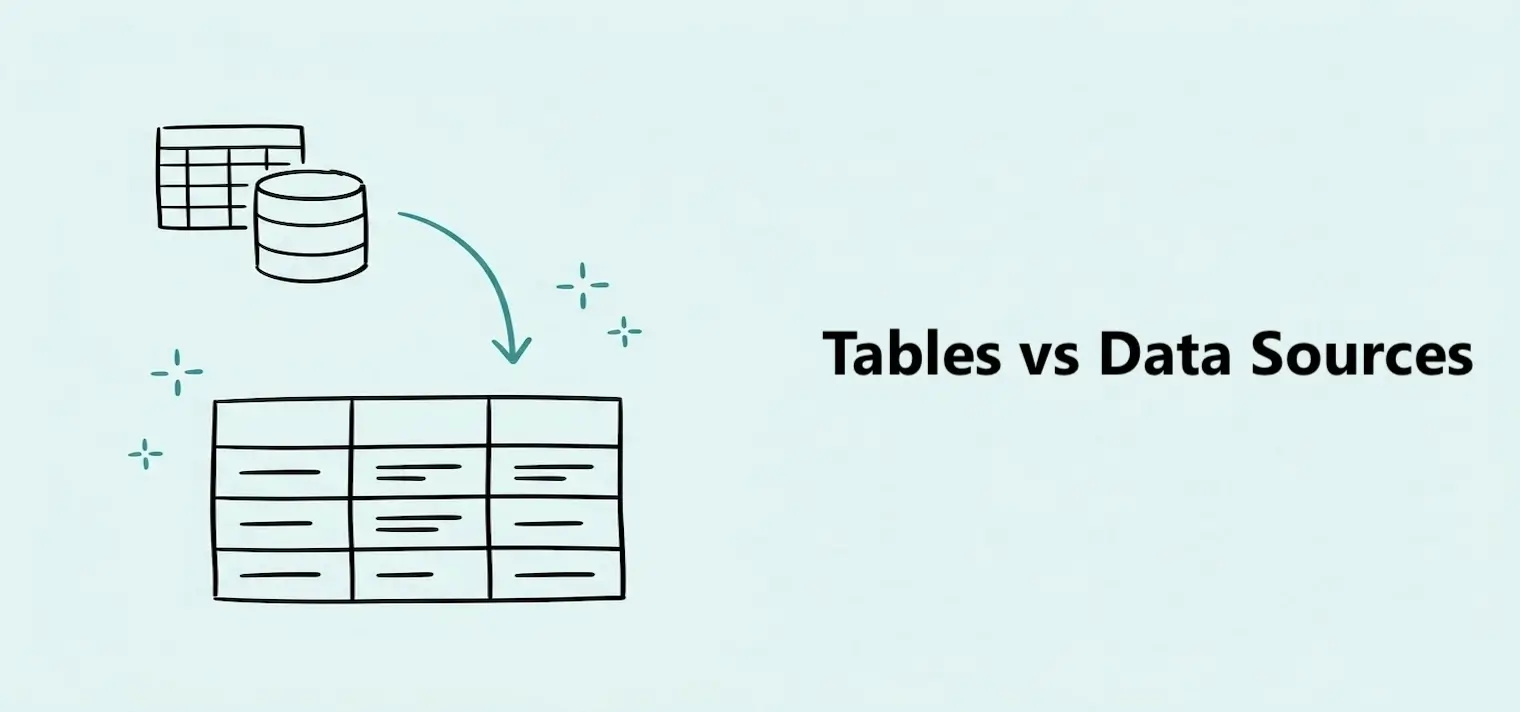
Tables vs Data Sources
Learn the difference between a connection and the data imported through it.


A table is a set of rows and columns that lives inside your workspace. It holds the data you want to show on your dashboards, such as your sales, your website traffic, or your customer list.
You don't type this data in by hand. A table is built from a data source: an uploaded file, a connected app like Google Sheets or Stripe, or a database. Dashbreeze imports the data and turns it into a table you can use.
Organize your data
Work with imported rows and columns in one place.
Stay up to date
Refresh a table manually or turn on automatic updates.
Power your dashboards
Connect a table to a chart, KPI, gauge, or table block.
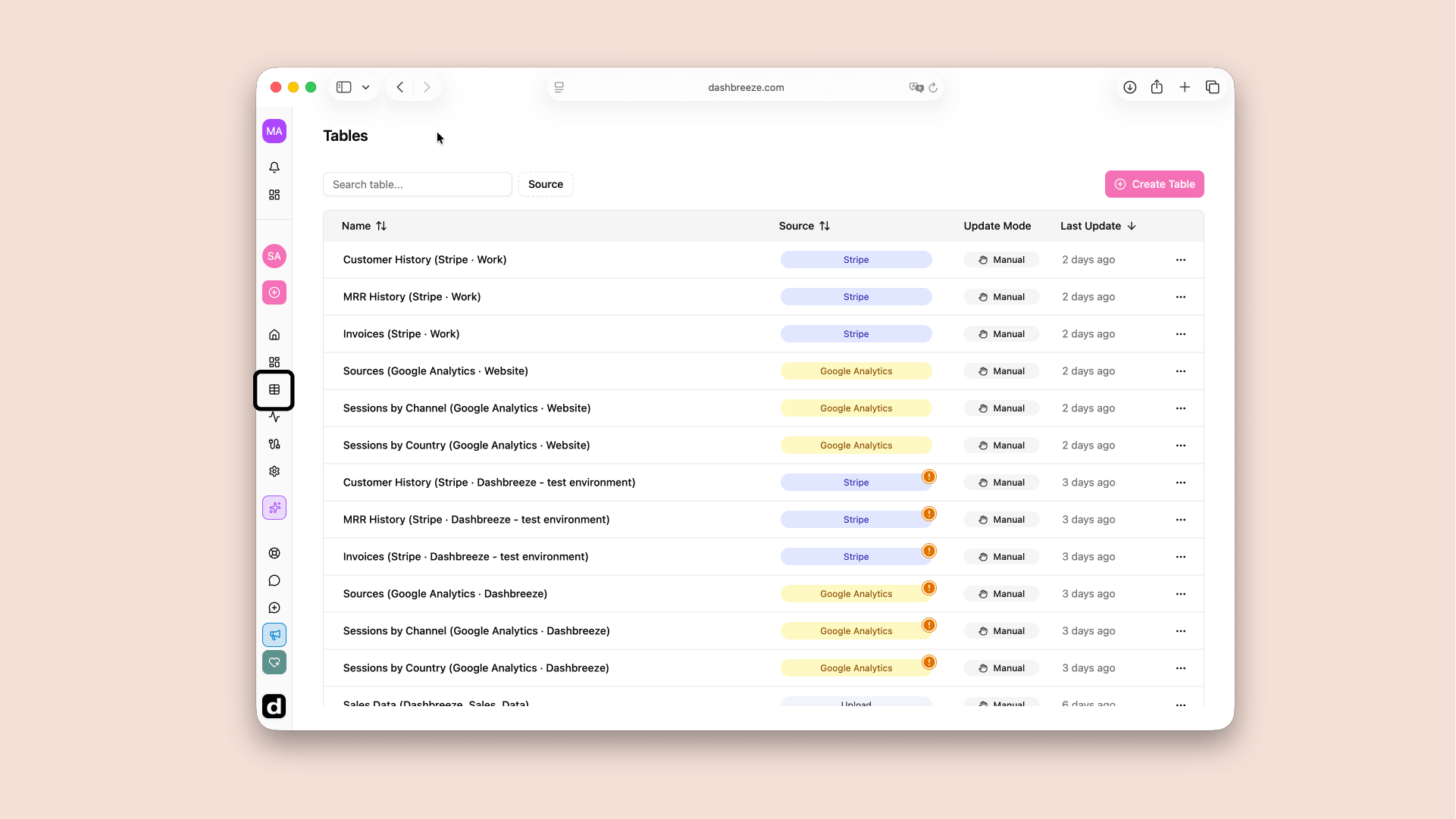
Every table you create belongs to a workspace. Open Tables in the left sidebar to see every table in the workspace, along with where its data comes from and when it last updated.
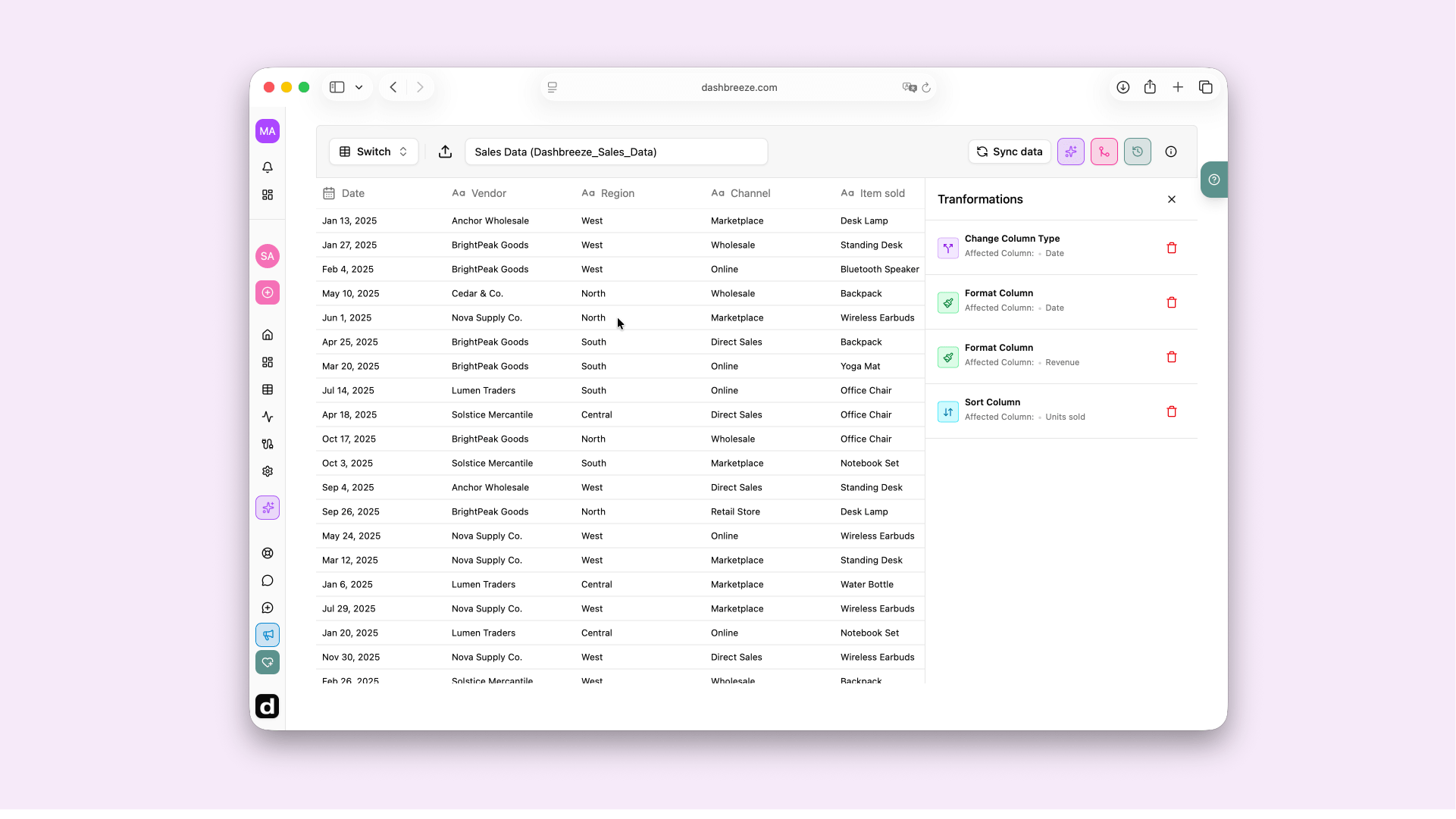
You can clean up a table's data with a transformation, such as renaming a column, changing its type, filtering rows, sorting, calculating values, or joining another table. These changes do not modify the original file, app, or database.
Good to know:A table is not the same as a data source. A data source is the connection to an app or file; a table is the dataset that connection produces. One data source can produce several tables.