Creating a Table
Create a table from an uploaded file, a connected app, or a database.

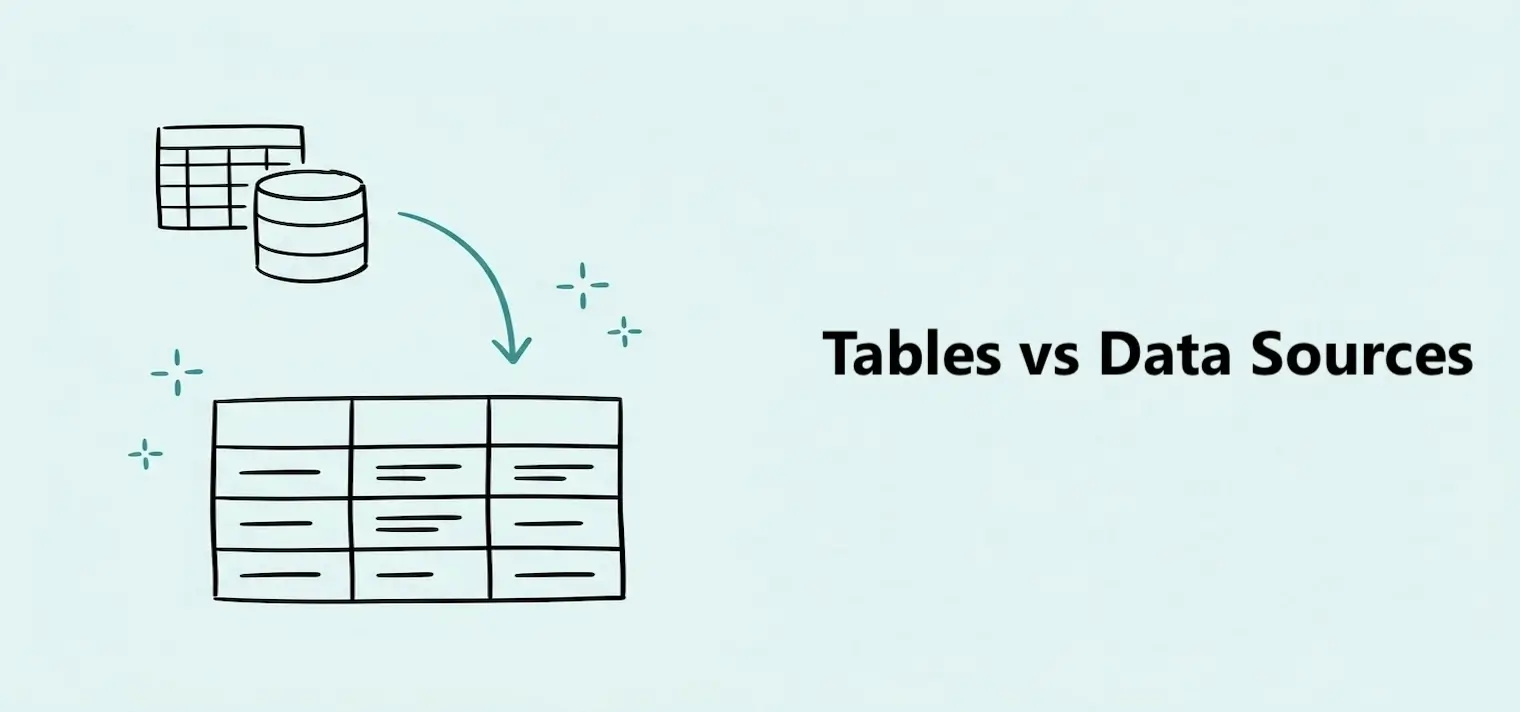
Data sources and tables are not the same thing, but they work together. A data source is where your data comes from — such as an app, database, or file on your computer. Tables, on the other hand, are where Dashbreeze organizes the data you import, making it ready to use in your dashboards.
The mental model
Data source
Where your data lives
Table
How Dashbreeze organizes it
Dashboard
What you build and share
The data source is where your data lives. A table is what Dashbreeze builds from that data. Once you have a table, you can connect it to charts, KPIs, and other blocks on your dashboard.
A data source
is where your data is originally stored. It can be one of the apps that Dashbreeze integrates with, a database, or a CSV, Excel, JSON, or Parquet file. When you connect your account to one of these apps or to your database, we create an Integration. This integration allows you to import new data from the same data source into Dashbreeze in the future.
A table
is how Dashbreeze organizes the data you have just imported, making it easier to use and work with when creating blocks for your dashboards. Inside a table, you can transform and model your data, as well as configure how it is updated over time.
A single data source can produce more than one table, and each table can be used independently when building your dashboards. For example, one PostgreSQL connection can create a separate table for each database table you choose to import. One Airtable connection can create a separate table for each Airtable table you connect. The same applies to uploaded files: an Excel workbook can create a separate table for each sheet you choose to import.
This means you don't need to create a separate data source or integration for every table you want to use. You can connect to a source once and import the specific data you need into separate tables.
Files you upload, such as Excel workbooks or CSV files, are data sources but do not create an integration. Each upload is a one-time import that creates its own table, with no ongoing connection to the original file. To update the table with new data, upload the file again.