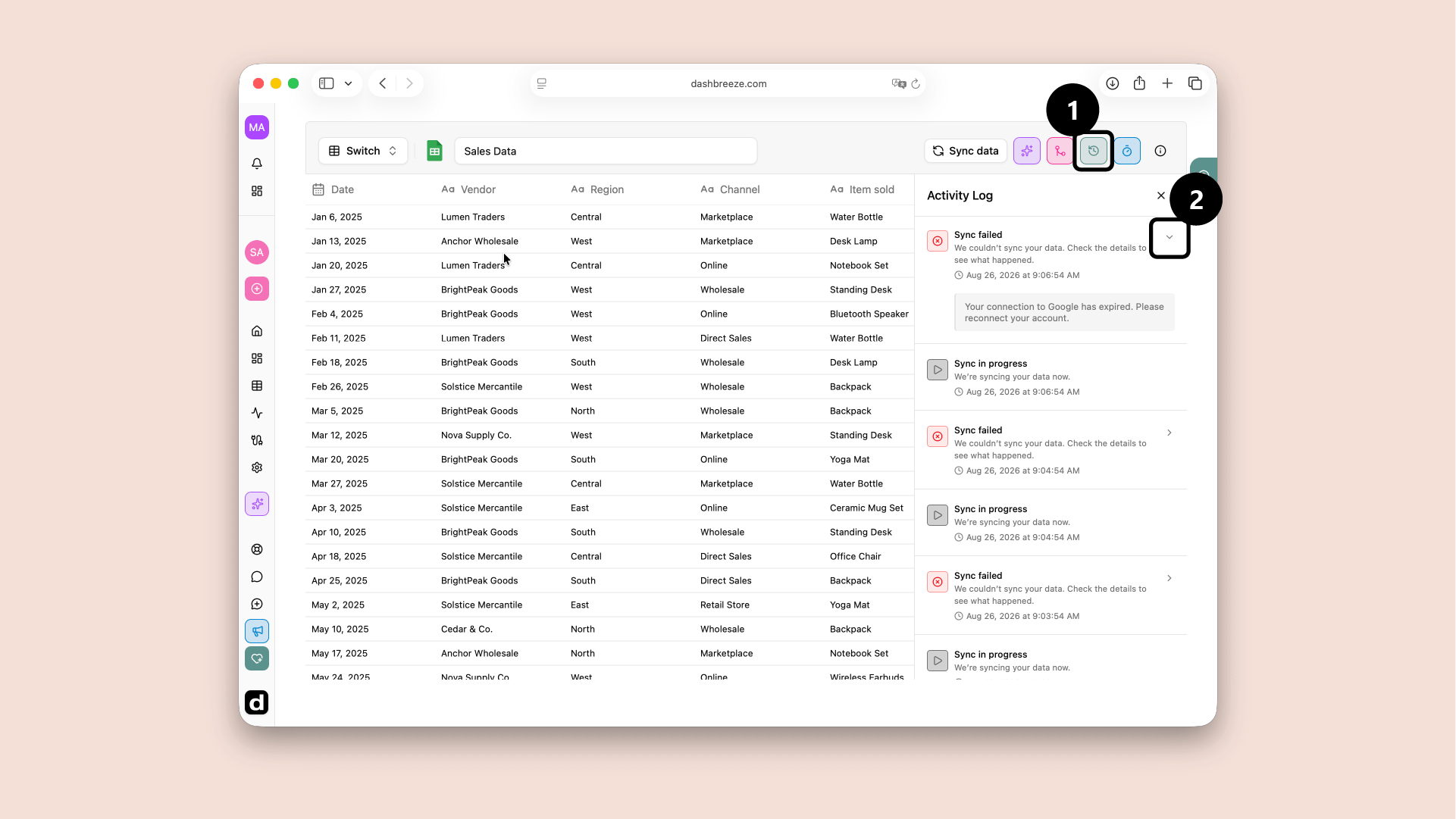
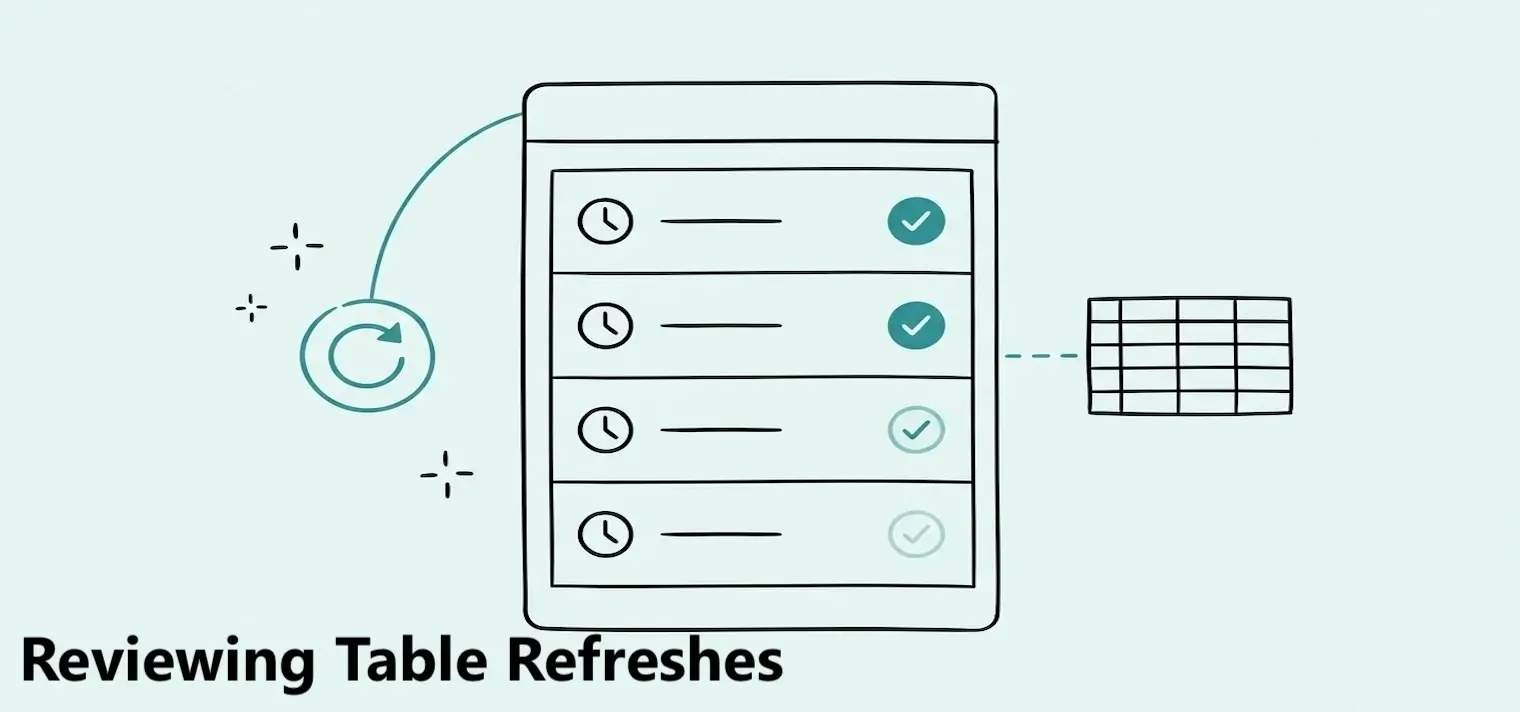
Reviewing Table Refreshes
Review past data updates, their status, and any errors that occurred.

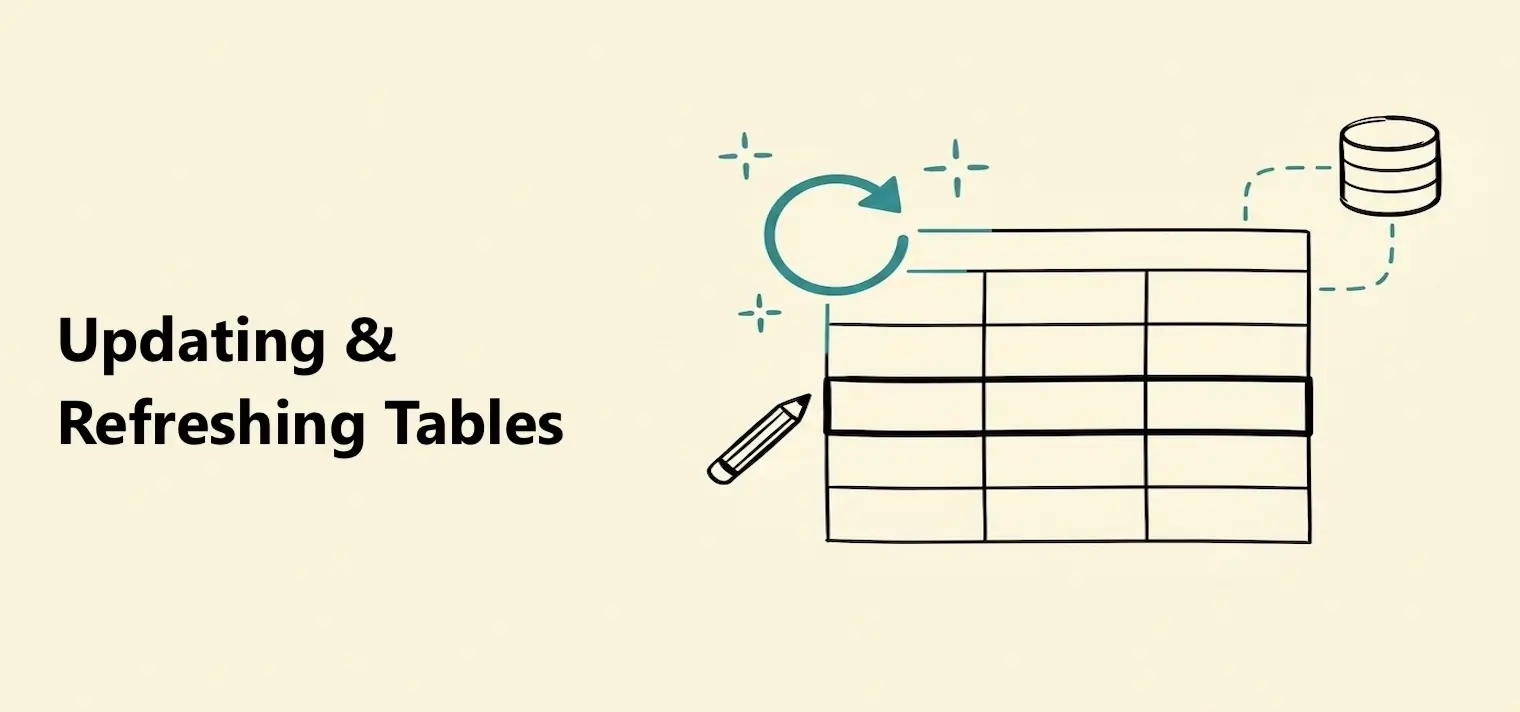
A table is a copy of data imported into Dashbreeze. If the original data changes, the table does not change until it refreshes.
Select Sync data when you want the latest data now. For a connected app or database, you can also schedule automatic refreshes.
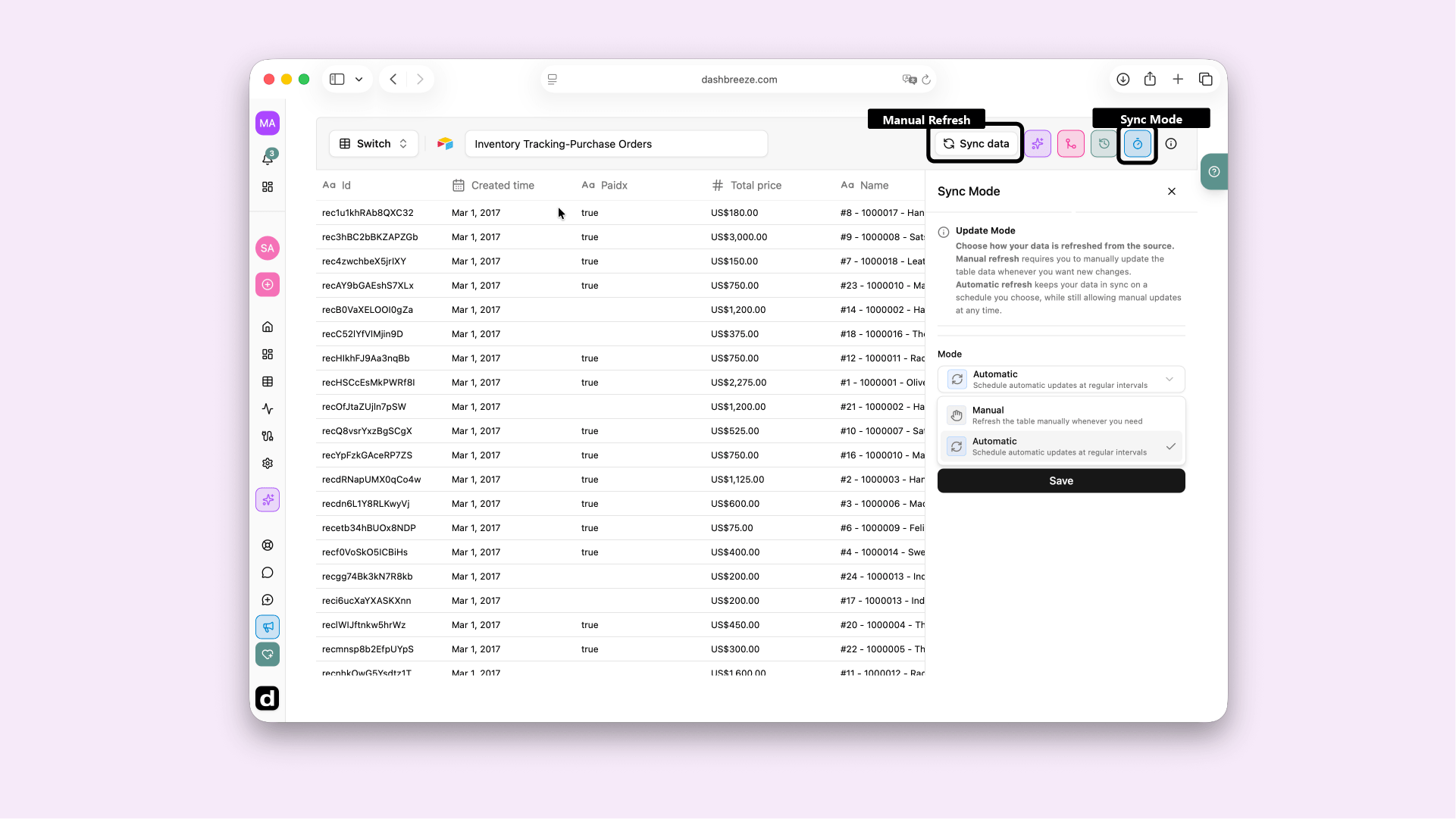
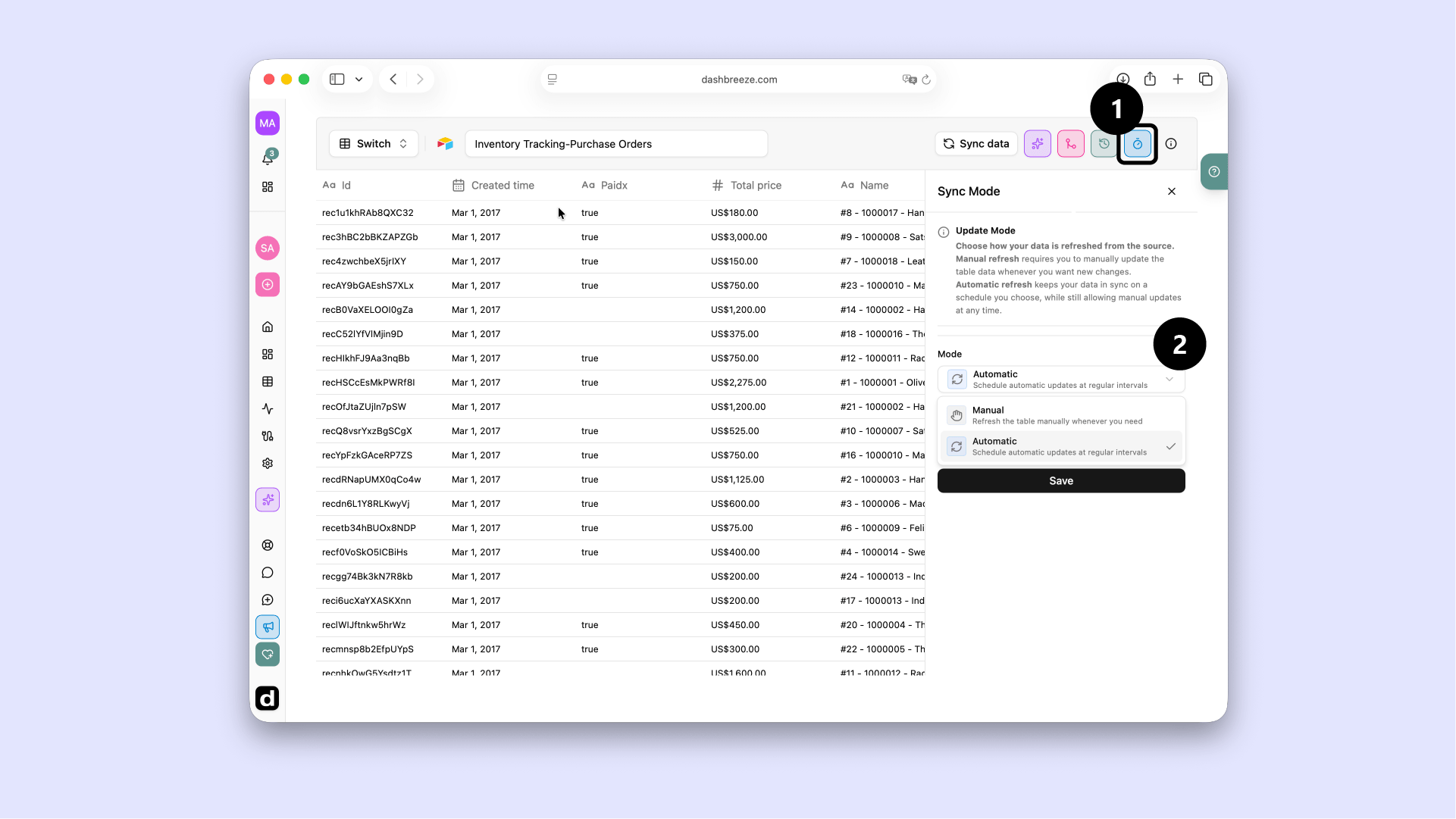
Available schedules depend on your plan:Some faster schedules may show an Upgrade label. Choose an available frequency or check your plan for a shorter interval.
Uploaded files are manual only:Excel, CSV, JSON, and Parquet files are not connected to the file on your computer. Dashbreeze cannot check them for changes. Select Sync data and upload the new file when you want to update the table.
A refresh does more than download new rows. Dashbreeze updates the table and everything that uses it.
Get source data
Dashbreeze reads the latest rows and columns.
Update the table
The new imported copy replaces the previous copy.
Apply transformations
Saved filters, joins, formulas, and other steps run again.
Update blocks
Connected charts, KPIs, gauges, and tables use the new result.
If a joined table depends on the refreshed table, Dashbreeze also rebuilds that joined result. Its connected dashboard blocks then receive the update.
Rows and values
New rows can appear. Removed source rows can disappear. Edited values can change charts and totals.
Columns
New columns can appear. Renamed or removed source columns can affect transformations and blocks that use them.
Keep column names the same when possible. For Excel files, also keep the worksheet name the same. Dashbreeze uses these names to find the data during the next refresh.
Renamed or missing columns can cause errors:A transformation or block may use a specific source column. If that column is renamed or removed, Dashbreeze may no longer be able to run the step or load the block.
A refresh can fail when a connection expires, a password changes, access is removed, or the source no longer exists. A database query or a changed column can also cause a failure.
Workspace members are notified:When a refresh fails, every member of the workspace receives an email and an in-app notification. The email names the table and workspace, warns that the data may be out of date, and includes a link to review the issue.